Sample event — an example of an online event listing. The organizer, speakers and schedule are fictional, and tickets aren't on sale.
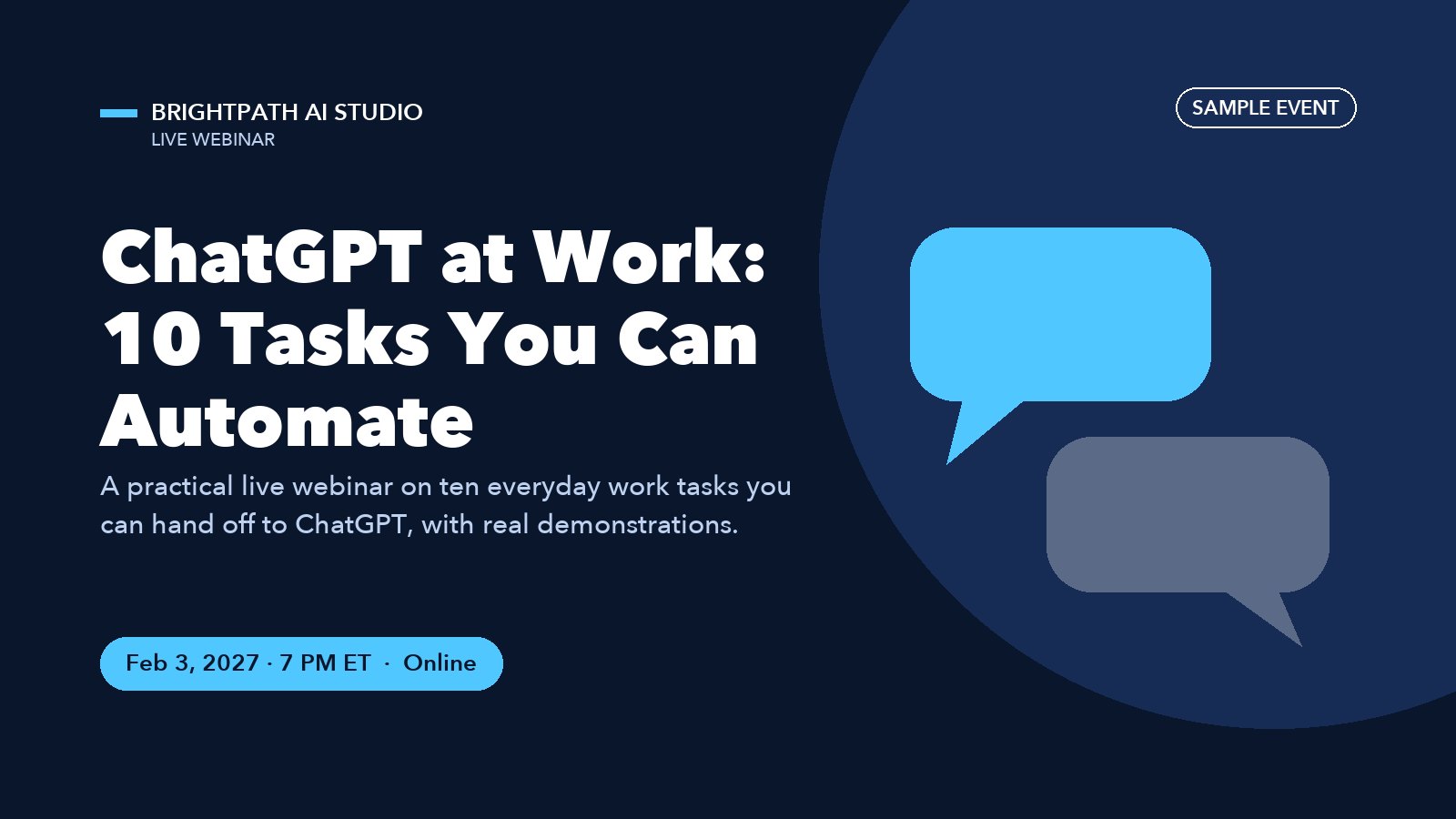
ChatGPT at Work: 10 Tasks You Can Automate
A practical live webinar on ten everyday work tasks you can hand off to ChatGPT, with real demonstrations.
$19
Most people try ChatGPT once or twice, get an average answer and move on. This live webinar shows you how to turn it into a dependable assistant for the routine tasks that fill your week. Read more
- Wed, Feb 3, 2027 · 7:00 PM–8:15 PM EST
1 h 15 min
Online event · Zoom · Live Webinar
English · Beginner
Replay included for 14 days
Limited to 120 attendees
How to take part
Register below. The meeting link and check-in steps go only to registered participants, in My account and by email.
Add to calendar:GoogleOutlookApple / .ics
Refunds: Tickets are final. Full refund if the event is cancelled and not rescheduled. If it's moved, your ticket is valid for the new date, or ask for a refund at least 48 hours before the new start.
Register
This is a sample event that shows how online events look on this marketplace. Registration and ticket sales aren't open.
Most people try ChatGPT once or twice, get an average answer and move on. This live webinar shows you how to turn it into a dependable assistant for the routine tasks that fill your week.
Over 75 minutes, we walk through ten practical workflows you can start using the same day. Each one comes with a clear prompt structure, an example of a good result and tips for checking the output before you rely on it.
What we will cover
- Drafting and replying to emails in your own tone
- Summarizing long documents, meeting notes and reports
- Turning rough ideas into project plans and checklists
- Creating first drafts of social posts, FAQs and product copy
- Cleaning up spreadsheet data and writing simple formulas
- Preparing for meetings, interviews and presentations
How the session works
After a short introduction, we move straight into the ten workflows, followed by live demonstrations where you can see each prompt in action from start to finish. We close with an open Q&A so you can ask about your own use cases.
No technical background is needed. If you can type a question, you can follow along. You will leave with a practical prompt library you can reuse and adapt, plus a clear sense of where AI helps and where human review still matters.
Event highlights
- Ten practical workflows you can use the same day
- Live demonstrations of every prompt
- Reusable prompt templates to keep
- Open Q&A for your own use cases
- Replay available for 14 days
What you'll experience
- How to structure prompts for reliable results
- Ways to draft emails and documents faster
- How to summarize long material accurately
- How to check AI output before using it
- Where AI helps and where human judgment matters
Who should attend
- Office professionals who want to save time
- Freelancers and solo business owners
- Team leads exploring AI for their teams
- Anyone curious about using ChatGPT at work
How to prepare
- A computer with a stable internet connection
- A free or paid ChatGPT account (optional, for trying along)
ChatGPTAI productivityPrompt writingWorkplace automationGenerative AI
Date and time
- Wed, Feb 3, 2027 · 7:00 PM–8:15 PM EST
Agenda
- 7:00 PMWelcome and introduction · 10 minOverview of the session and how to get consistent results from ChatGPT.
- 7:10 PMTen practical ChatGPT workflows · 40 minStep-by-step walkthrough of ten everyday work tasks with prompt structures.
- 7:50 PMLive demonstrations · 15 minWatch selected workflows run live from first prompt to finished result.
- 8:05 PMQ&A · 10 minOpen questions about your own tasks and tools.
Maya Ellison
Lead Instructor, BrightPath AI Studio
Maya Ellison designs hands-on AI training for office teams and solo professionals. She focuses on turning everyday chores like email, reporting and research into repeatable workflows. Her sessions favor plain language and live examples over theory.
Organized by
BrightPath AI Studio
BrightPath AI Studio provides practical online learning experiences in artificial intelligence, productivity, no-code automation and emerging business technology. (Sample organizer.)
General Admission
$19
Access to the live webinar, Q&A and the replay.
- Live 75-minute webinar
- Ten ready-to-use prompt templates
- Live Q&A with the instructor
- 14-day replay access
Includes the replay
Frequently asked questions
Will there be a recording?
Yes. Registered attendees can watch the replay for 14 days after the event ends.
How do I join?
This event runs on Zoom. Join details are shared with you after registration, along with a reminder before the event starts.
Do I need a paid ChatGPT account?
No. A free account is enough to try most of the workflows, and you can also simply watch the demonstrations.
Is this suitable for complete beginners?
Yes. The webinar assumes no prior experience with AI tools.
How to attend
This is an online event on Zoom. After you register, the joining link and instructions appear under My account → My events, and are emailed to you. Join from a computer if possible so you can see the demonstrations clearly. Have ChatGPT open in another tab if you would like to try the prompts as we go.
Cancellation and refunds
If the organizer needs to cancel or reschedule, every registrant is notified by email and offered a seat at the new date or a full refund.
Full refunds are available up to 48 hours before the event starts. Within 48 hours, tickets can be transferred to another person but are not refundable.