Excel Templates
Excel Templates from independent creators — download instantly.
SheetWise
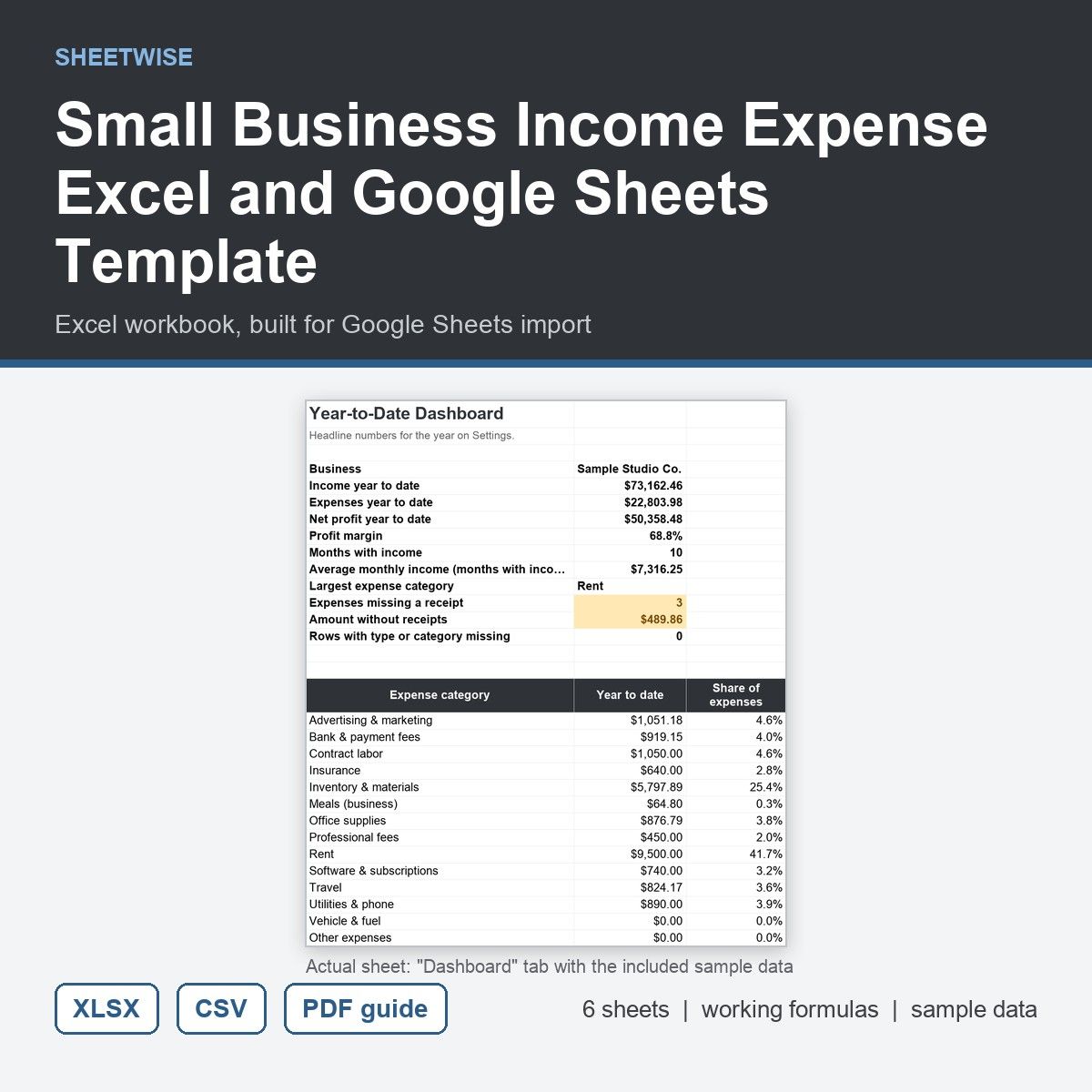
Small Business Income Expense Excel and Google Sheets Template
$19
SheetWise
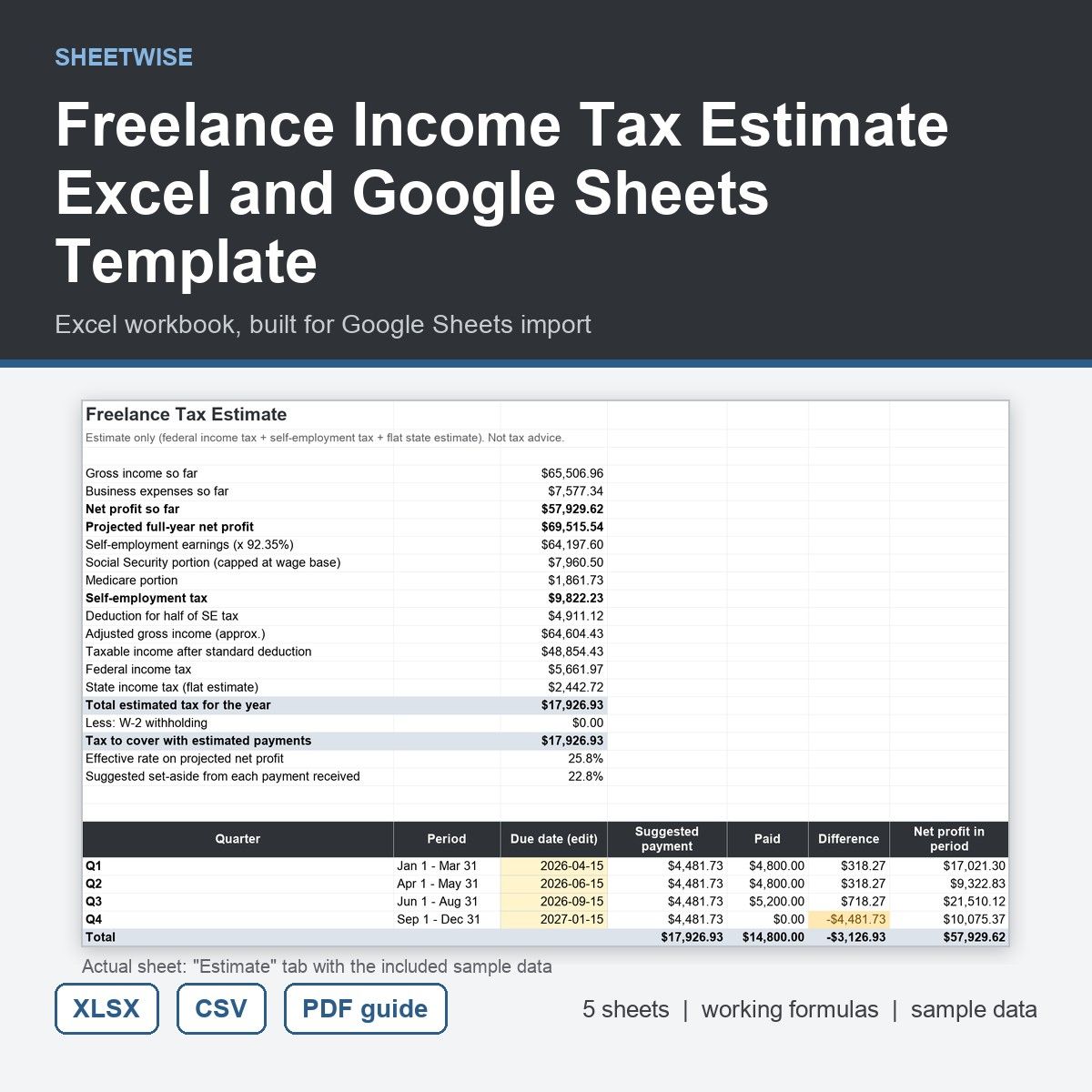
Freelance Income Tax Estimate Excel and Google Sheets Template
$19
SheetWise
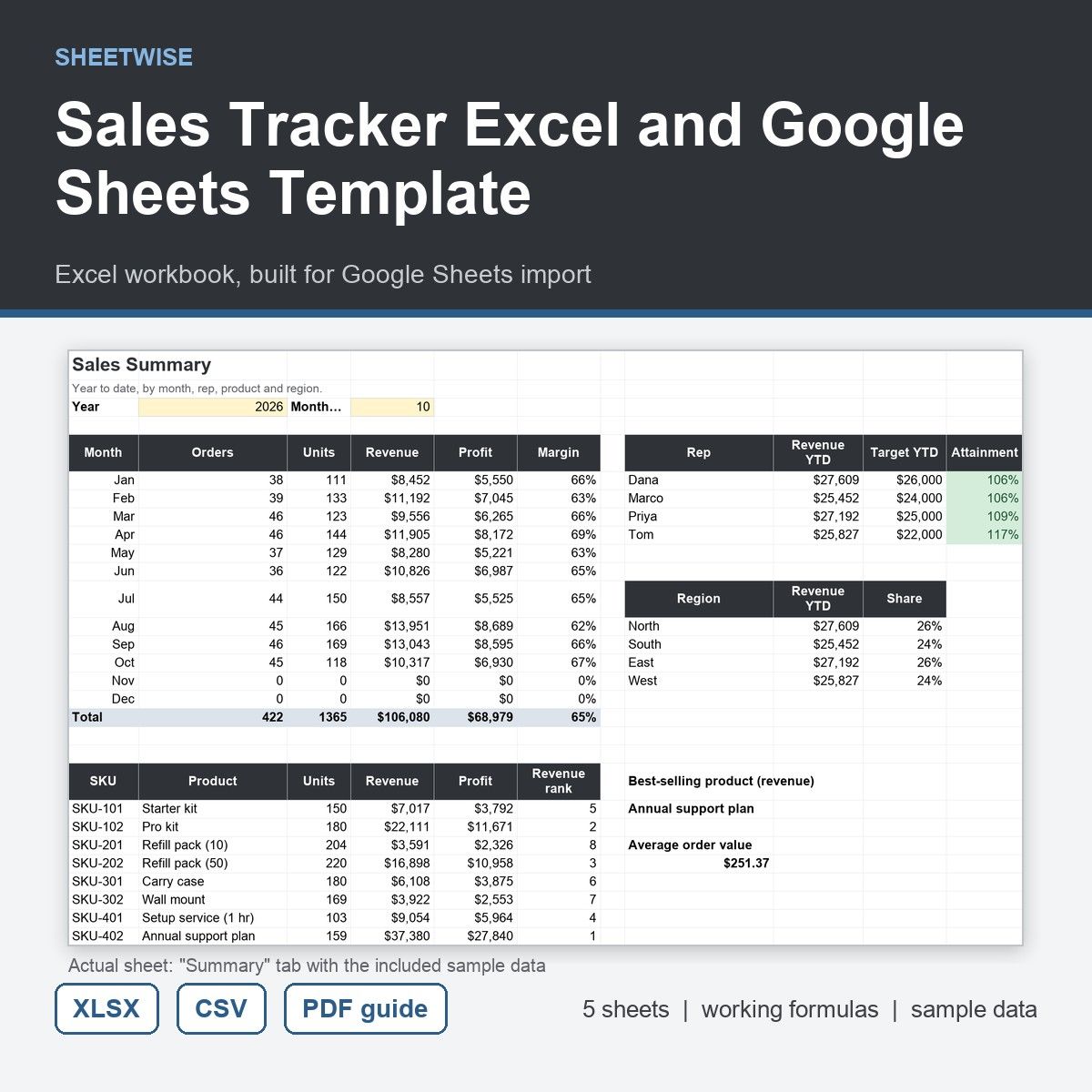
Sales Tracker Excel and Google Sheets Template
$19
SheetWise
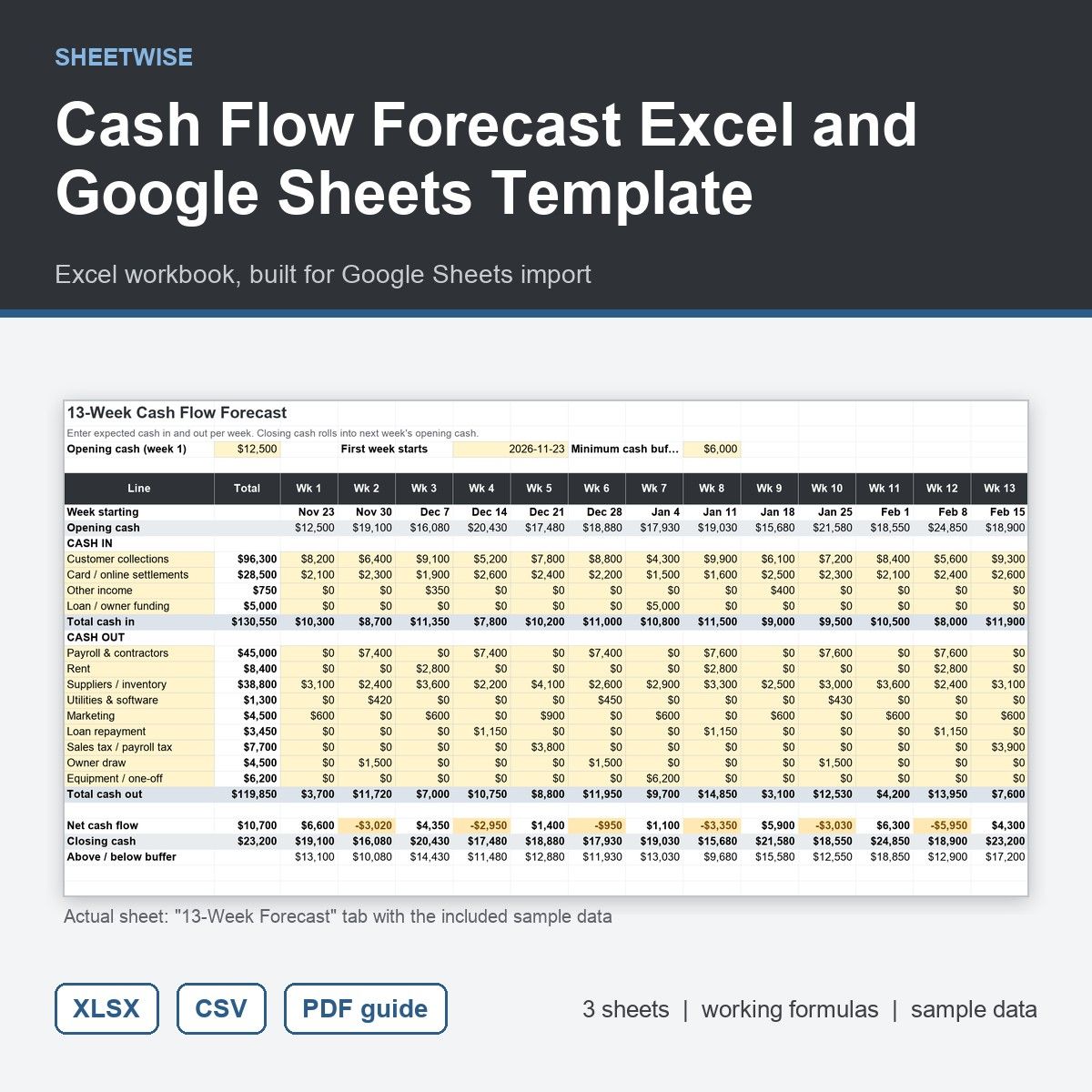
Cash Flow Forecast Excel and Google Sheets Template
$19
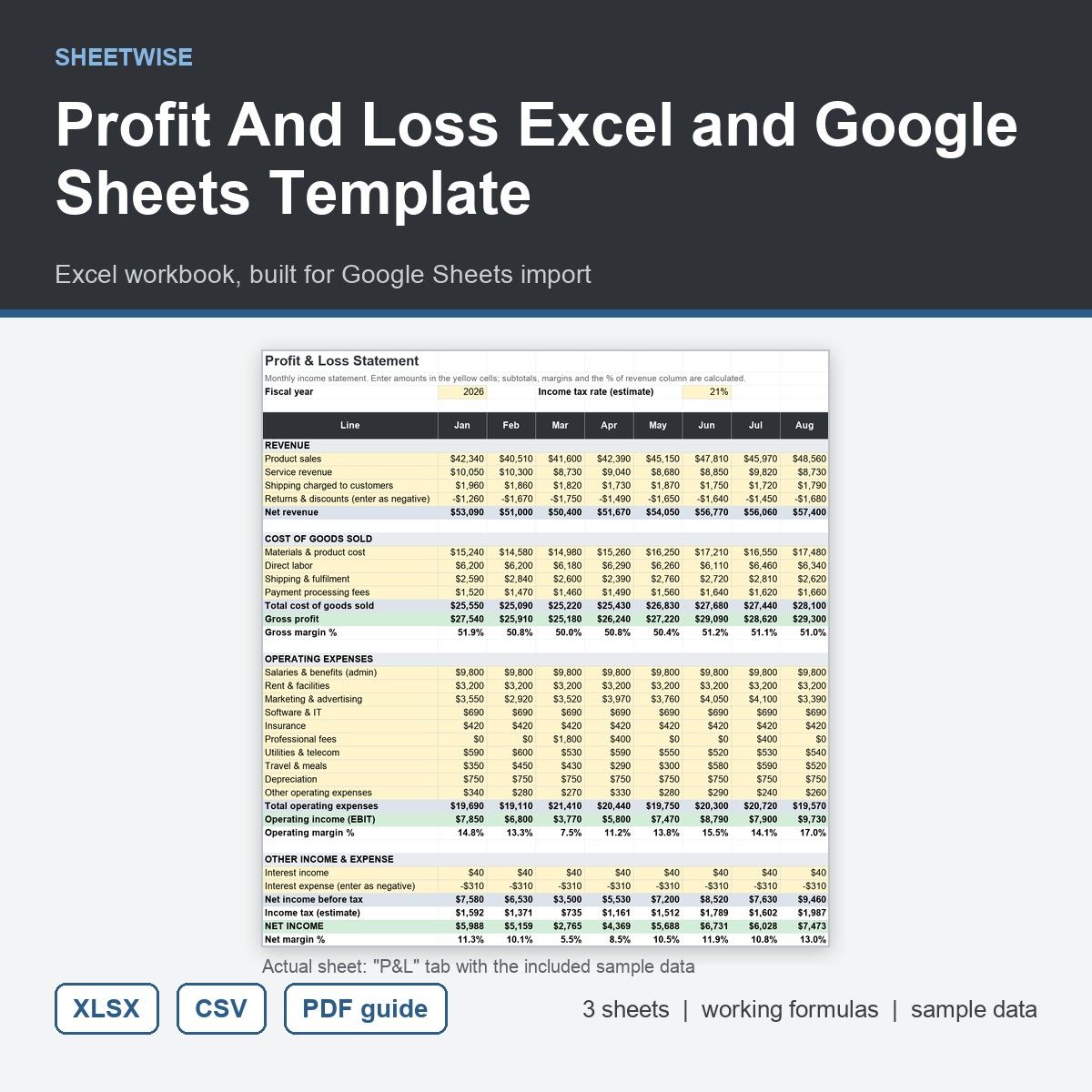
SheetWise
Profit And Loss Excel and Google Sheets Template
$19
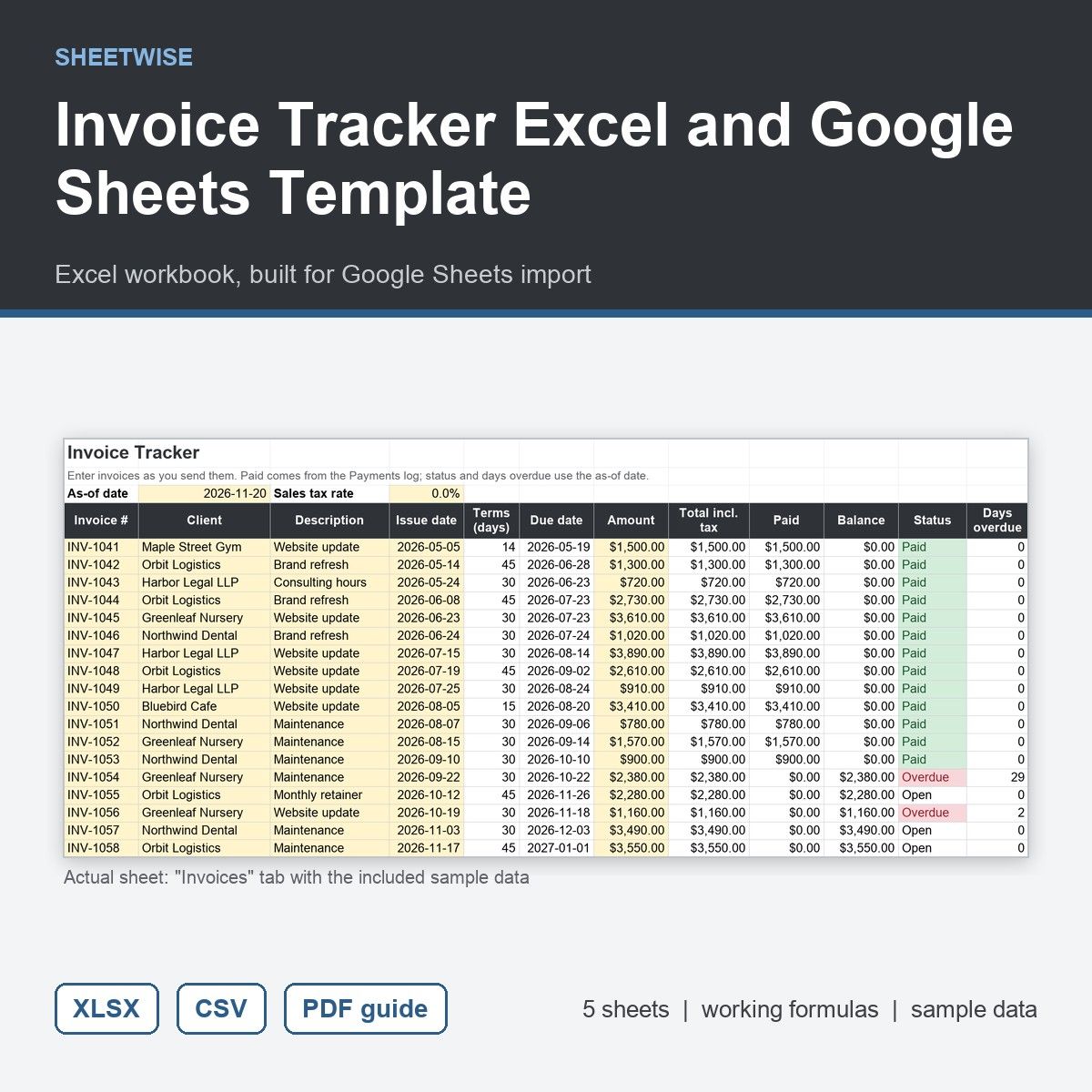
SheetWise
Invoice Tracker Excel and Google Sheets Template
$19
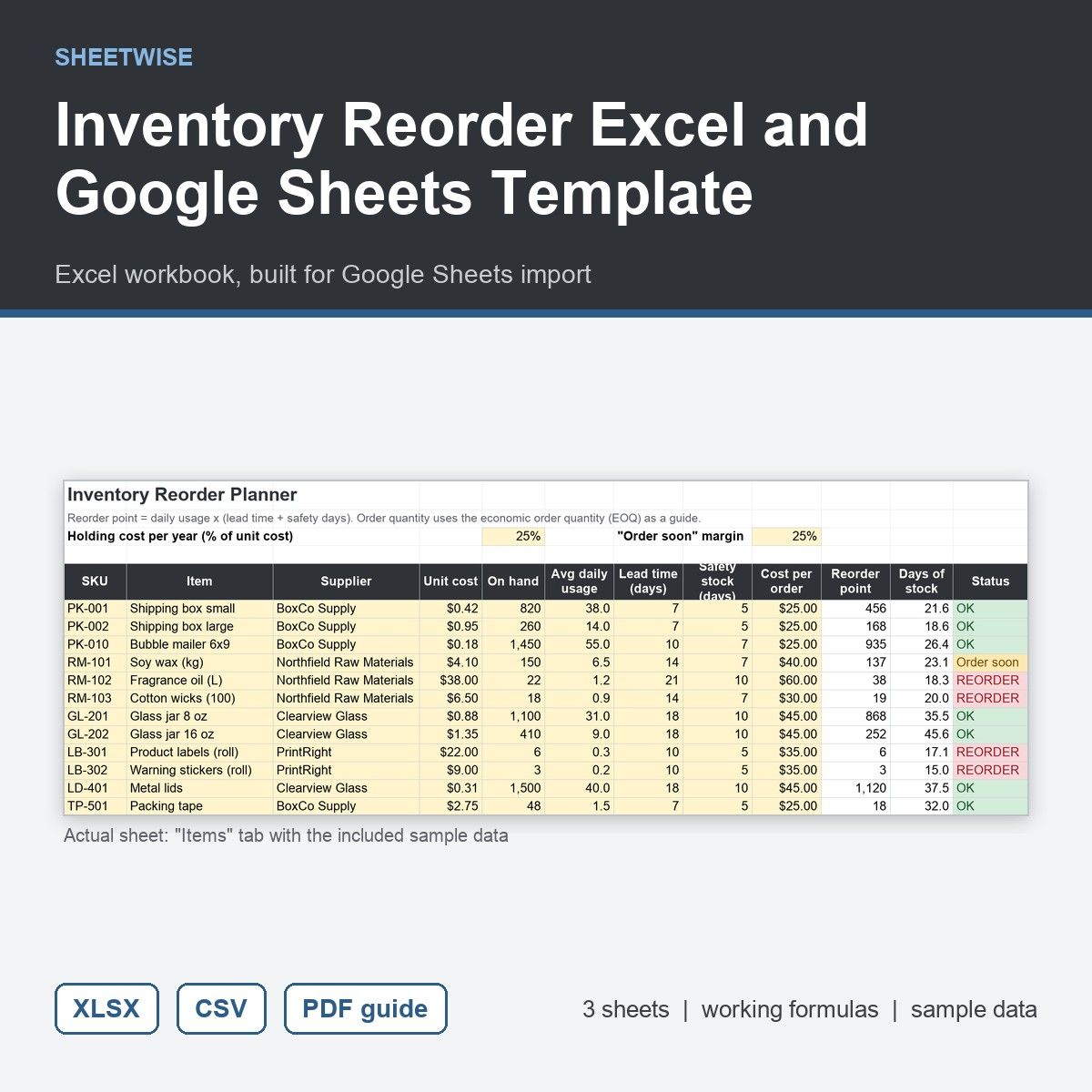
SheetWise
Inventory Reorder Excel and Google Sheets Template
$19
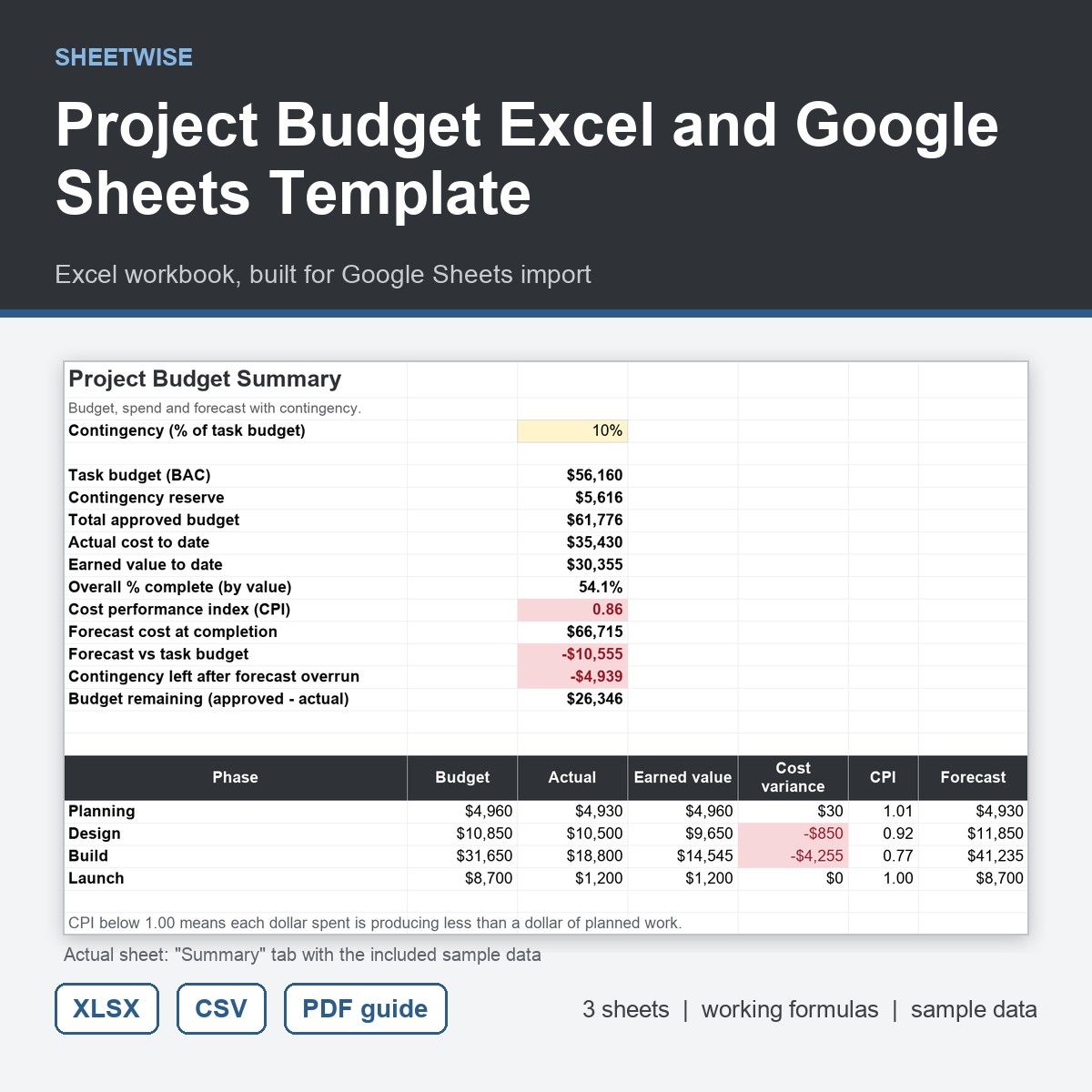
SheetWise
Project Budget Excel and Google Sheets Template
$19
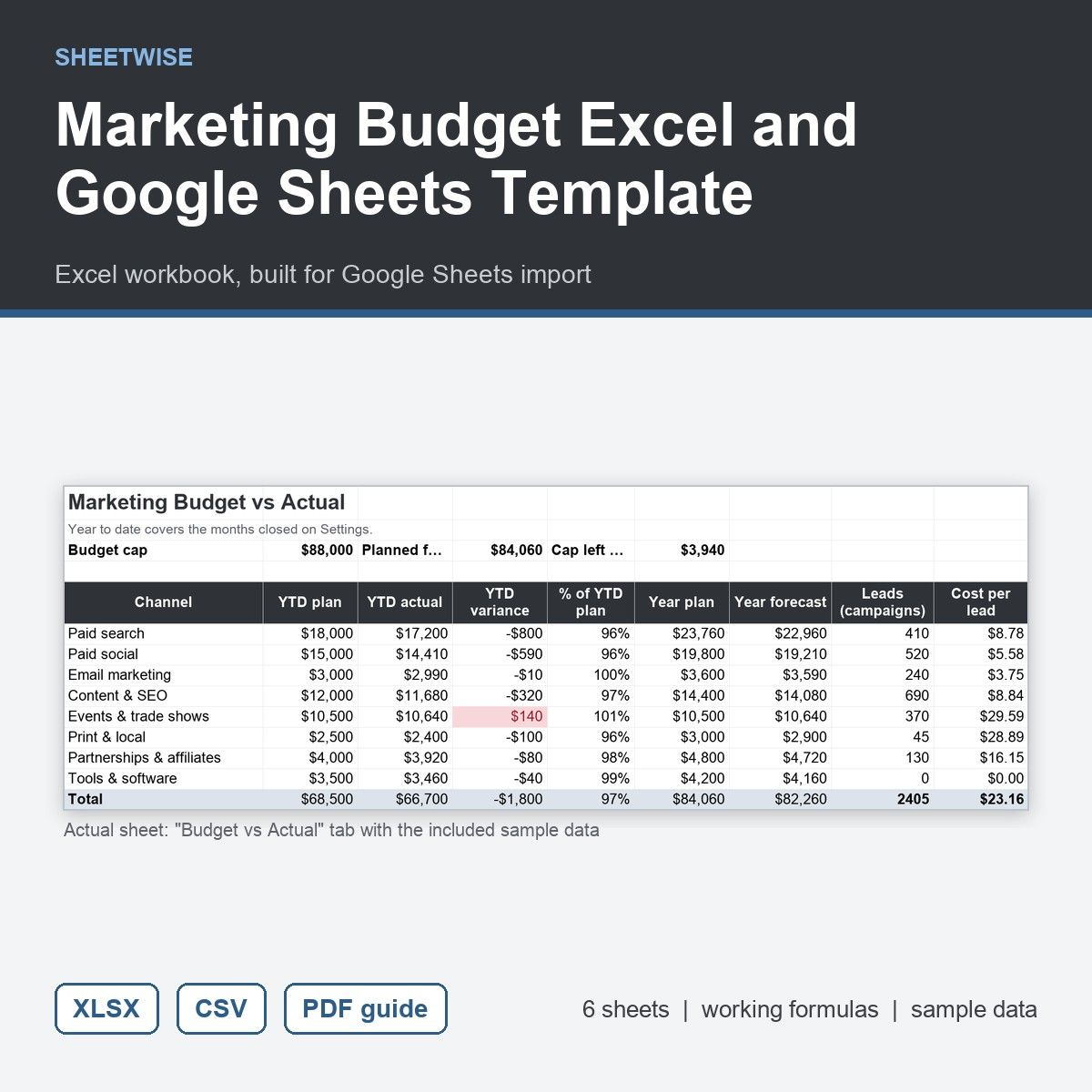
SheetWise
Marketing Budget Excel and Google Sheets Template
$19
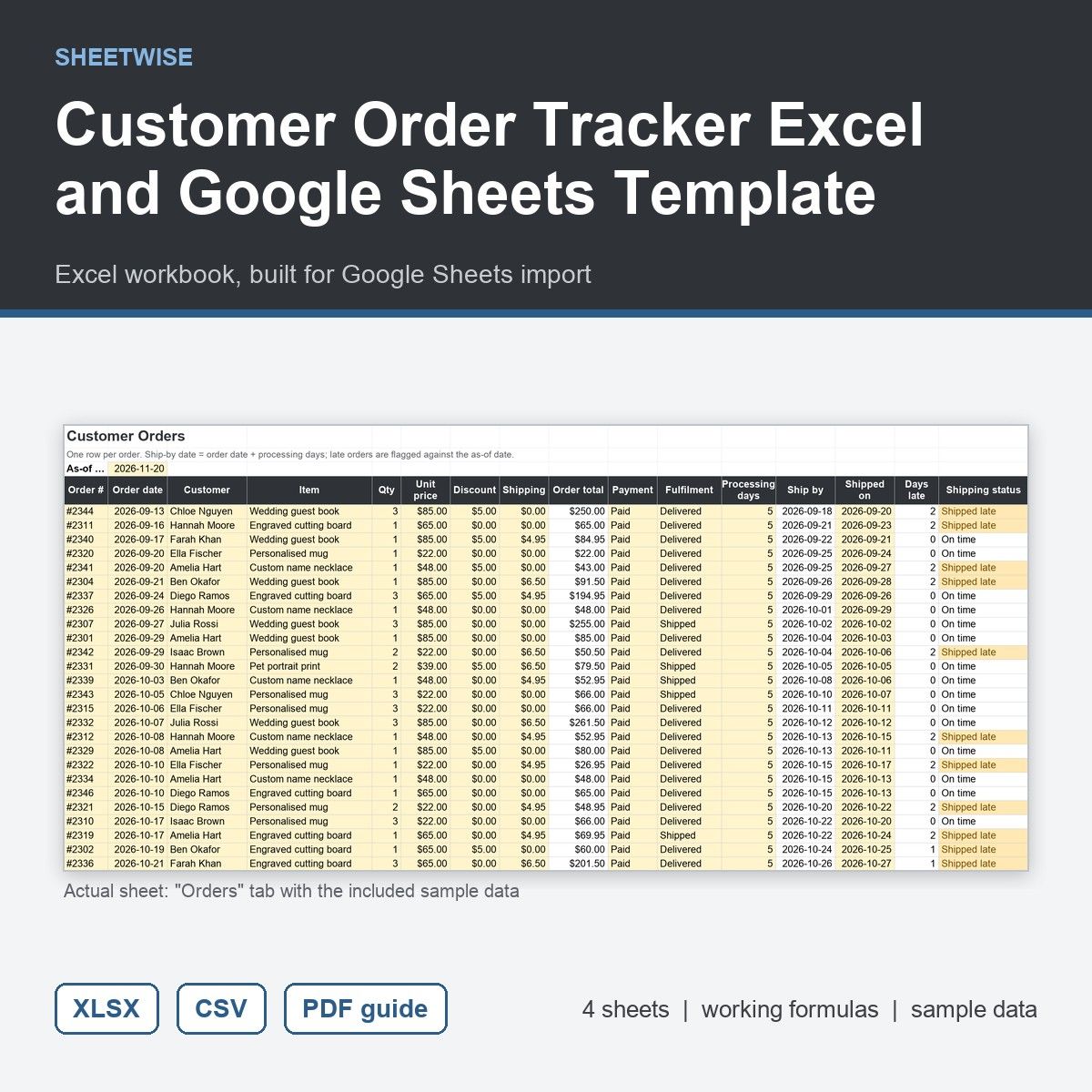
SheetWise
Customer Order Tracker Excel and Google Sheets Template
$19
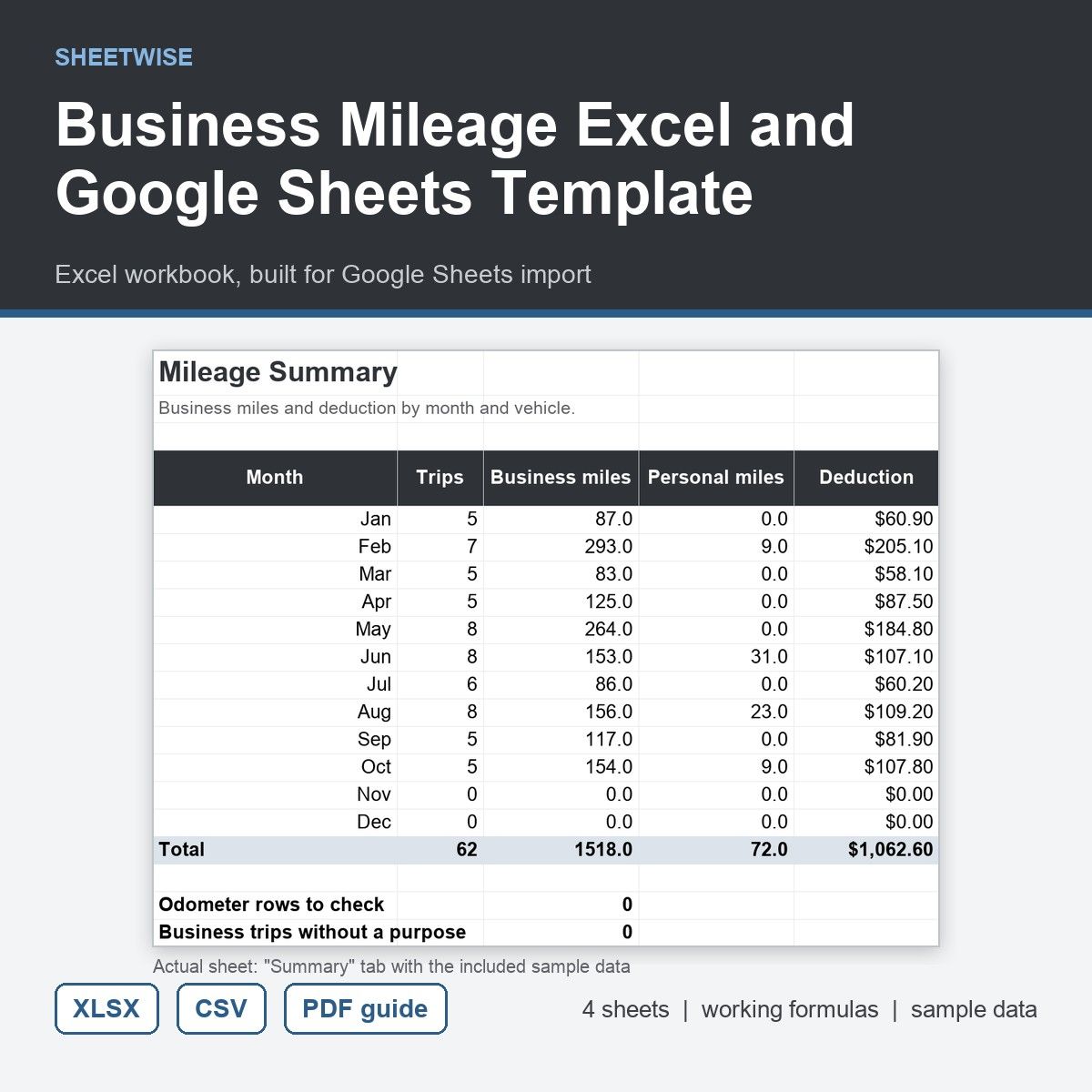
SheetWise
Business Mileage Excel and Google Sheets Template
$19
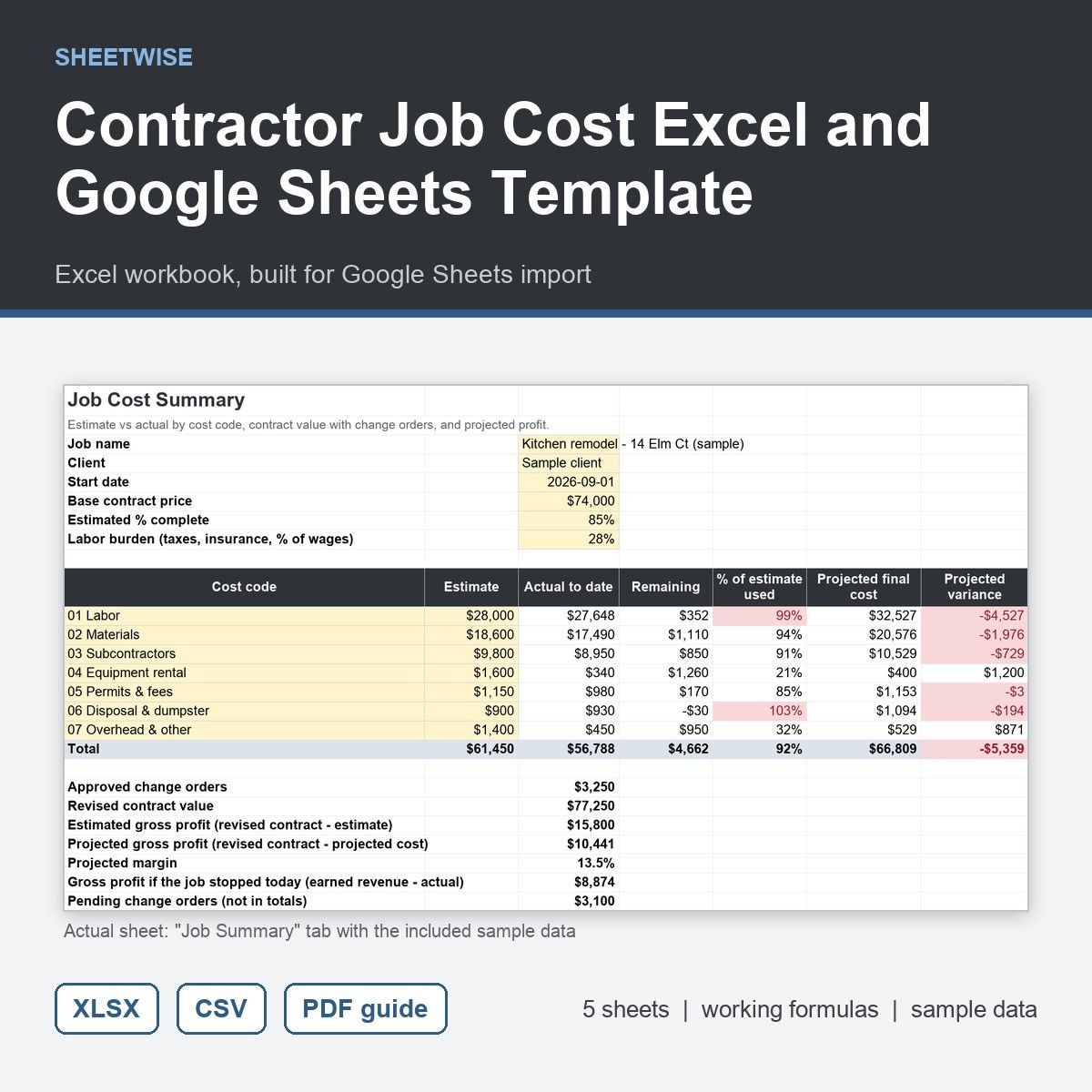
SheetWise
Contractor Job Cost Excel and Google Sheets Template
$19
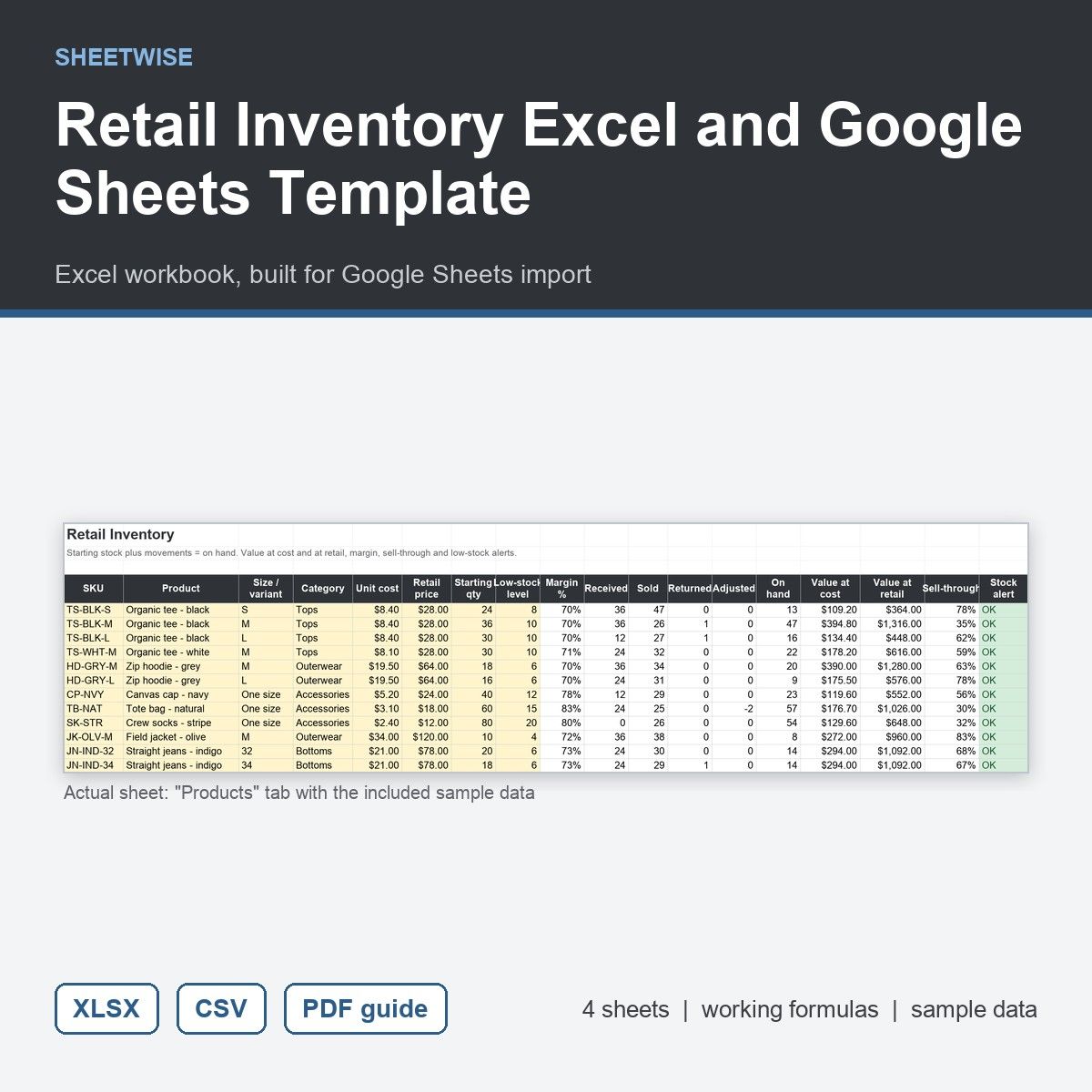
SheetWise
Retail Inventory Excel and Google Sheets Template
$19
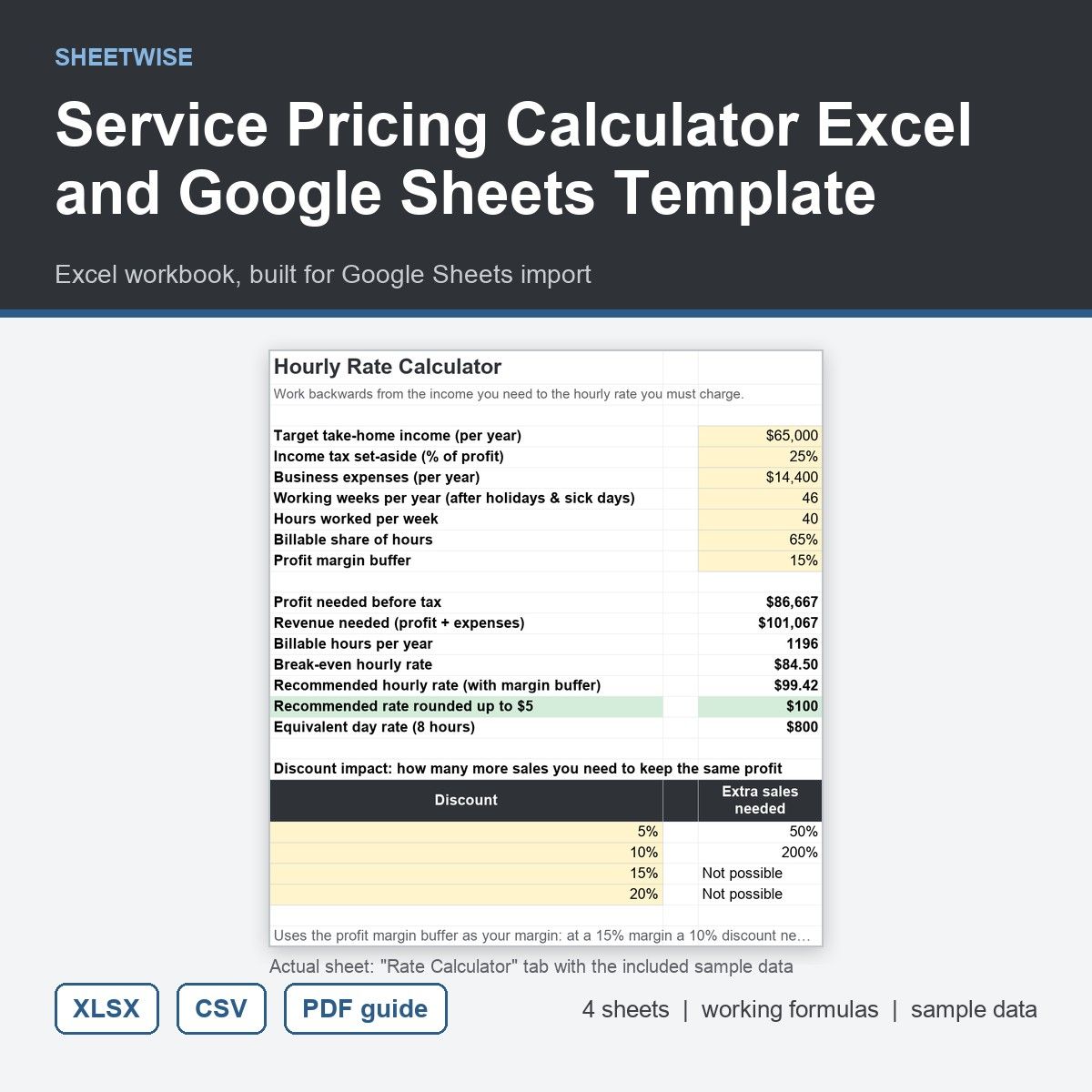
SheetWise
Service Pricing Calculator Excel and Google Sheets Template
$19
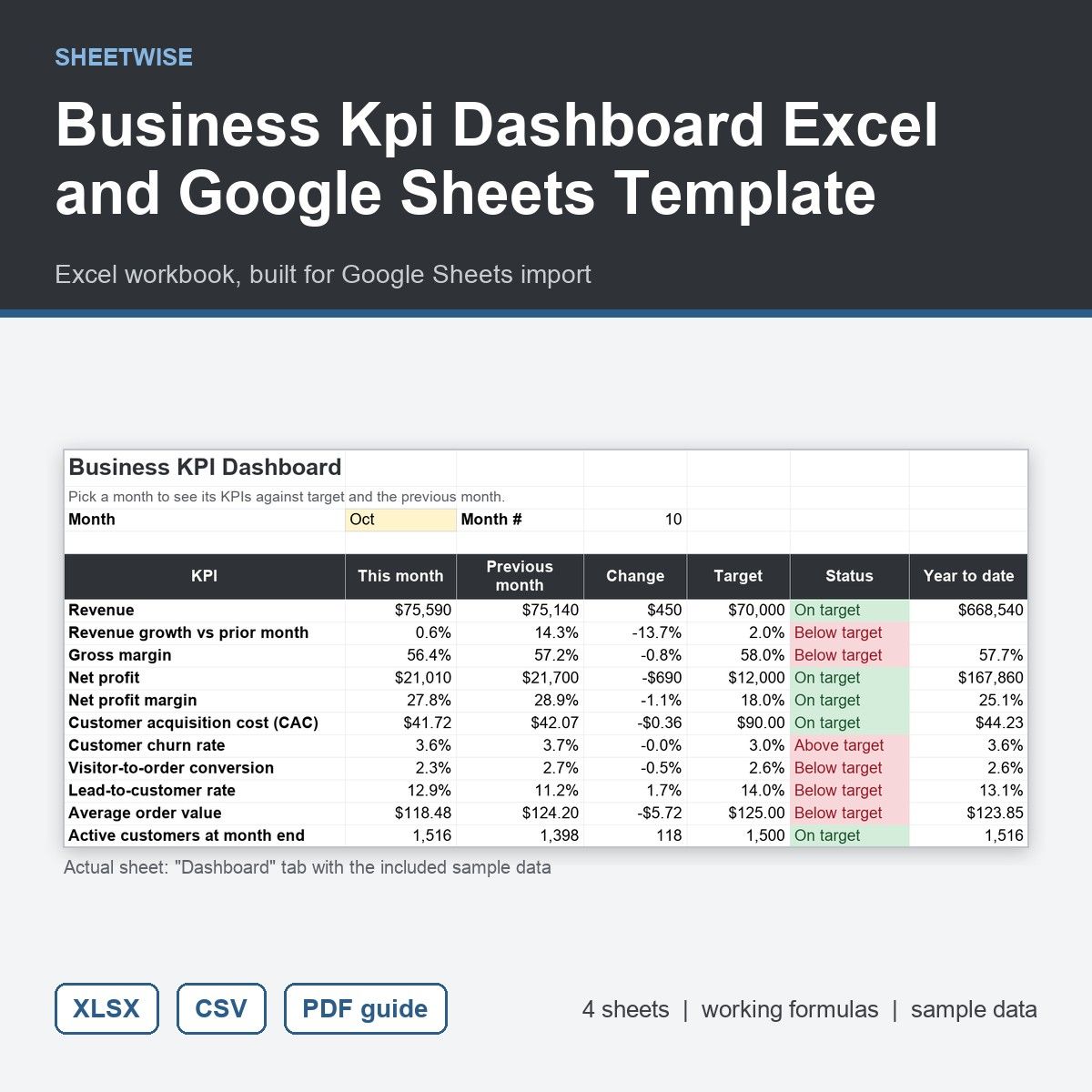
SheetWise
Business Kpi Dashboard Excel and Google Sheets Template
$19
About excel templates
Excel templates are ready-made workbooks for tasks people do in spreadsheets every day: tracking expenses, scheduling shifts, planning projects, logging sales, comparing quotes, managing inventory or building reports. Sellers often use features like tables, drop-down lists, conditional formatting, pivot tables, charts and sometimes macros to make them easier to use.
Templates are delivered as .xlsx files, or .xlsm when macros are included. Check the Excel version the template was built in and whether it works in Excel for the web or on a Mac; macros and certain features may not run everywhere.
Look for an instructions sheet, sample data and locked formula cells. If a template uses macros, only enable them if you trust the source, and read what the macro does.
Choosing an Excel template
- Check the file type: .xlsx (no macros) or .xlsm (macros).
- Confirm compatibility with your Excel version, Mac or Windows, and Excel for the web.
- Look for an instructions tab, sample data and drop-down inputs.
- Enable macros only for files from a seller you trust, and read the description of what they do.
- Check how easily you can add rows, categories or months.
Questions about excel templates
Do Excel templates work on a Mac?
Most formula-based templates do. Some macros and features behave differently on Mac. Check the listing or ask the seller.
What does .xlsm mean?
It's an Excel workbook that contains macros. You'll need to enable macros to use those features.
Can I open an Excel template in other spreadsheet apps?
Basic workbooks often open in other apps, but advanced features may not work. Templates are designed for Excel.