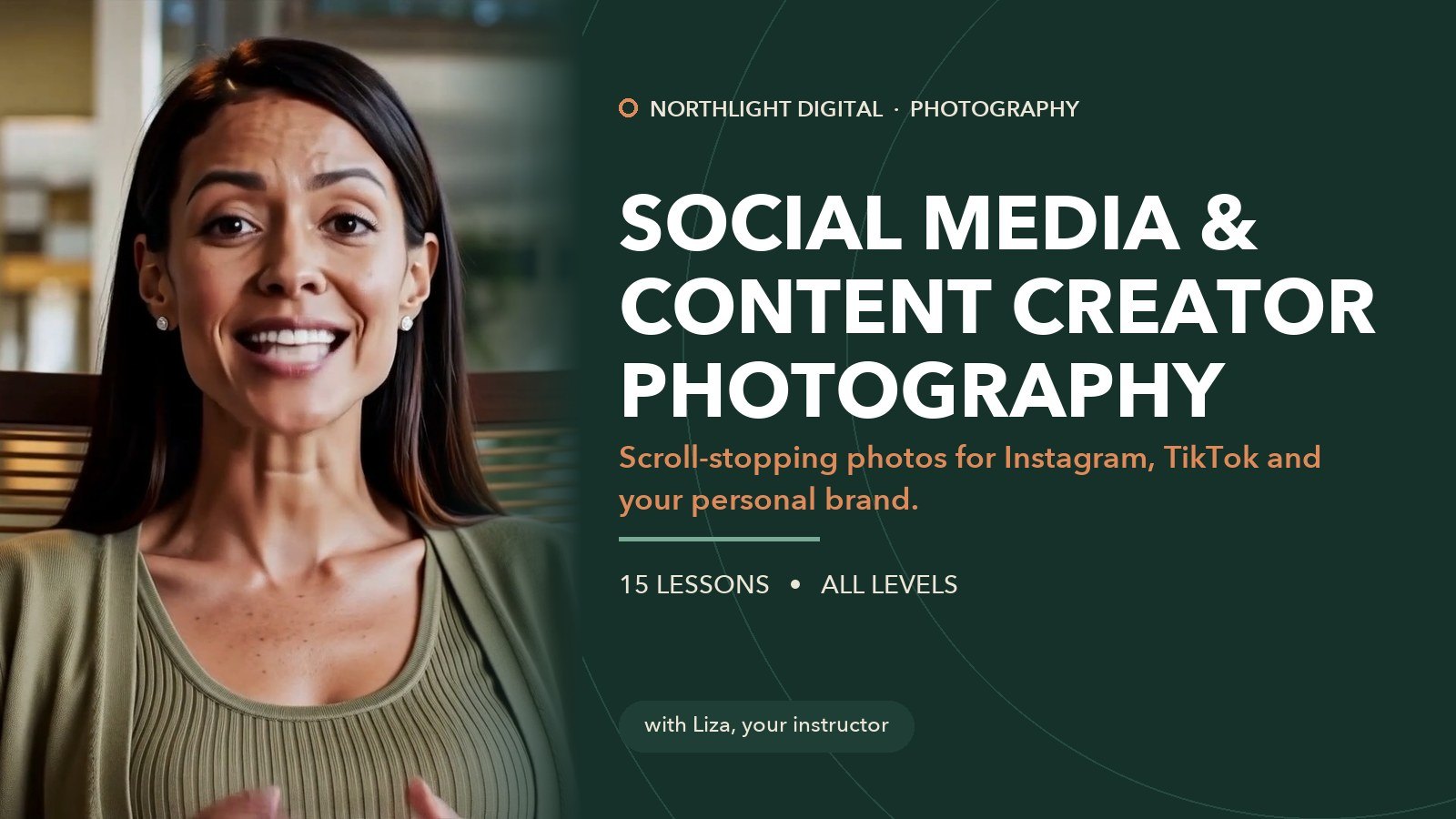
Social Media & Content Creator Photography
Create scroll-stopping photos for Instagram, TikTok and your personal brand with a clear, consistent visual style.
$49
- All levels
- 15 video lessons
- English
- Lifetime access
- Self-paced
Great social content is not about having the newest phone. It is about clear ideas, consistent style and photos that tell a story at a glance. This course helps creators, freelancers and small brands make images that stand out in busy feeds and feel unmistakably their own. Read more
Returns: Final sale. If you can't access the course, or content promised in the listing is missing, the seller fixes it within 5 business days or refunds you. A missed live session is rescheduled or recorded within 30 days, or its share is refunded.
Start learning
Enrolment isn't available online from this seller yet. Questions? Ask Northlight Digital below.
Interested? Ask the seller
Send a message and Northlight Digital will reply by email to arrange your order.
Great social content is not about having the newest phone. It is about clear ideas, consistent style and photos that tell a story at a glance. This course helps creators, freelancers and small brands make images that stand out in busy feeds and feel unmistakably their own.
Lessons are presented by Liza, a friendly AI instructor, with practical demonstrations and assignments you can apply to your own accounts straight away. Everything works with a smartphone, so no expensive gear is required. A phone stand and remote shutter are optional for self-portraits.
What you'll learn to shoot
- Personal branding photos and self-portraits
- Flat lays and styled product scenes
- Photo series and carousels that tell a story
- Everyday and behind-the-scenes moments
You will also define your visual style, build a simple editing workflow, and plan content in batches so posting consistently feels manageable.
What you'll learn
- Understand what makes a photo stand out in a fast-moving feed
- Tell clear visual stories in single images and series
- Frame photos for vertical, square and story formats
- Define a visual style that reflects your personal brand
- Create personal branding photos and self-portraits with a timer or remote
- Style and shoot clean, balanced flat lays
- Plan photo series and carousels with a beginning, middle and end
- Capture authentic behind-the-scenes and everyday moments
- Build a consistent look with a repeatable editing workflow
- Light indoor content well using windows and simple lamps
- Plan and batch content so you can post consistently
5 modules · 15 lessons
Module 1Visual Storytelling Basics
3 lessons- Why Some Photos Stop the ScrollUnderstand the visual qualities that grab attention in a busy feed.
- Visual Storytelling BasicsUse people, places and details to tell a story in a single image.
- Shooting for Vertical and Square FormatsCompose photos that work in feeds, stories and different crops.
Module 2Personal Branding
3 lessons- Defining Your Visual StyleChoose colors, moods and subjects that make your content recognizable.
- Personal Branding PhotosPlan and shoot photos that show who you are and what you do.
- Self-Portraits with a Timer or RemoteTake confident photos of yourself without needing a photographer.
Module 3Content Types
3 lessons- Flat LaysArrange objects from above into clean, balanced compositions.
- Photo Series and CarouselsPlan connected images that tell a story when viewed in sequence.
- Behind-the-Scenes and Everyday MomentsCapture authentic moments that make your audience feel connected.
Module 4Consistency & Editing
3 lessons- Building a Consistent LookKeep your content recognizable through repeated choices in light, color and framing.
- Editing Workflow and PresetsCreate a quick, repeatable editing process that keeps photos consistent.
- Lighting Content IndoorsLight indoor content well with windows, lamps and simple reflectors.
Module 5Planning & Final Project
3 lessons- Content Planning and BatchingPlan and shoot several posts at once so you can post consistently.
- Reviewing and Improving Your ContentReview your posts honestly and decide what to keep doing.
- Final Project: A Two-Week Content SetPlan, shoot and edit a two-week set of posts in your own visual style.
Who this course is for
- Content creators who want more consistent, eye-catching photos.
- Freelancers and coaches building a personal brand online.
- Small business owners creating their own social media content.
- Beginners who want to grow on Instagram or TikTok with better visuals.
- Anyone who wants their feed to feel more cohesive and intentional.
What you need
- A smartphone with a working camera.
- A social media account or a brand idea you want to create content for.
- A free editing app such as Snapseed or Lightroom Mobile, or your phone's editor.
- A phone stand or tripod is optional for self-portraits.
Liza — Northlight Digital
Liza is Northlight Digital's AI-generated photography instructor. Her lessons combine clear, friendly explanations with step-by-step demonstrations and practical assignments you can try with your own phone or camera.
Reviews
No reviews yet. Buyers can review this product from their order page after buying.