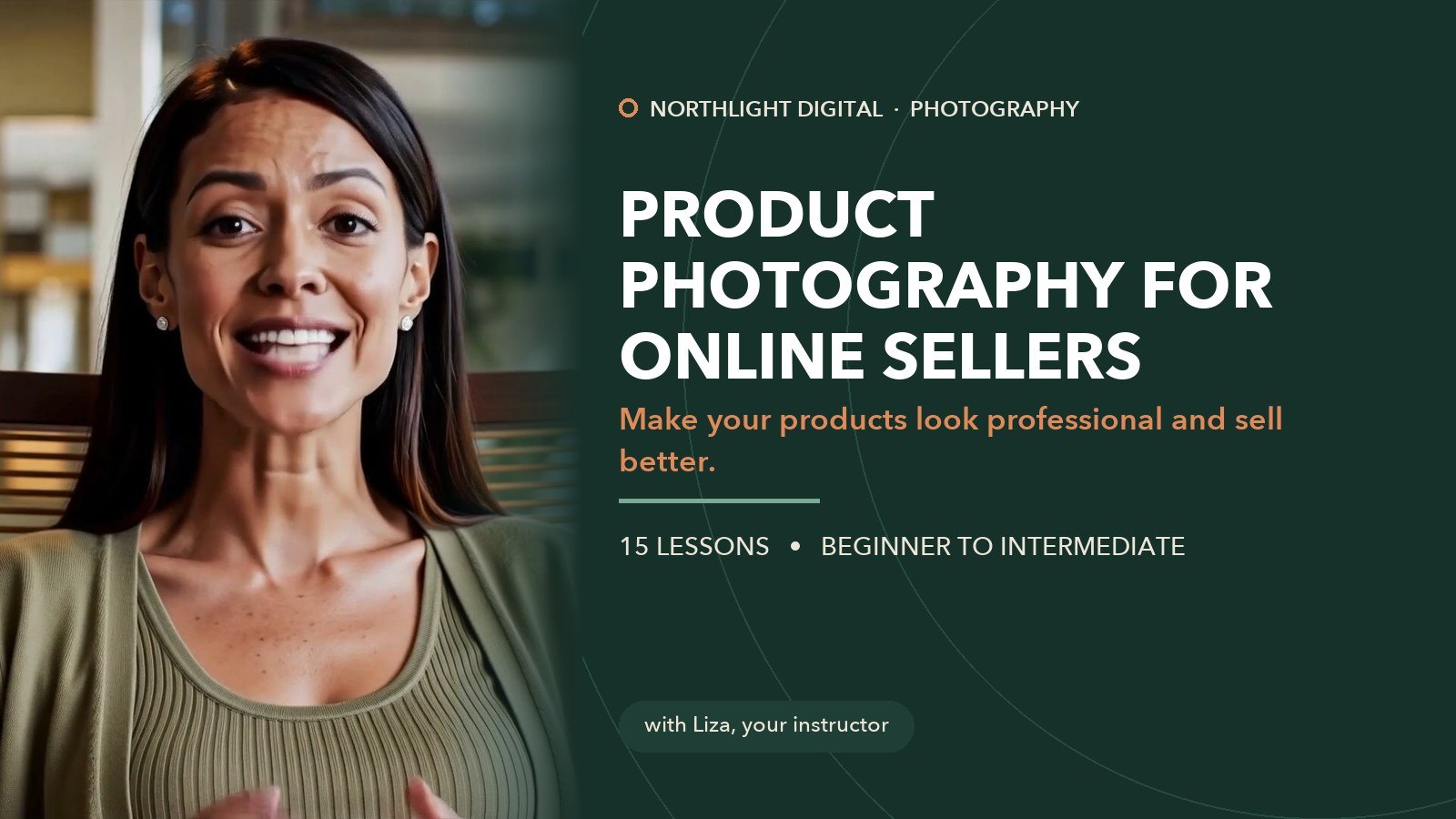
Product Photography for Online Sellers
Make your products look professional and sell better with clean, well-lit photos taken on your smartphone.
$49
- Beginner
- 15 video lessons
- English
- Lifetime access
- Self-paced
Good product photos help shoppers trust what they see. This course shows online sellers how to create clean, accurate and attractive product images at home, using simple light, inexpensive backgrounds and the smartphone you already own. Read more
Returns: Final sale. If you can't access the course, or content promised in the listing is missing, the seller fixes it within 5 business days or refunds you. A missed live session is rescheduled or recorded within 30 days, or its share is refunded.
Start learning
Enrolment isn't available online from this seller yet. Questions? Ask Northlight Digital below.
Interested? Ask the seller
Send a message and Northlight Digital will reply by email to arrange your order.
Good product photos help shoppers trust what they see. This course shows online sellers how to create clean, accurate and attractive product images at home, using simple light, inexpensive backgrounds and the smartphone you already own.
Lessons are presented by Liza, a friendly AI instructor, with step-by-step demonstrations and practical assignments you can complete with your own products. No expensive studio gear is required; a few household items, a window and a sheet of white card go a long way. A small tripod is optional but helpful.
What you'll learn to shoot
- Clean white-background photos for marketplace listings
- Shiny and reflective items without distracting glare
- Detail, scale and texture shots that answer buyer questions
- Lifestyle photos that show your product in real use
You will also learn how to prepare image sets for Amazon and Etsy listings and edit them on your phone for a consistent, professional shop.
What you'll learn
- Understand what makes a product photo clear, accurate and appealing to buyers
- Set up a low-cost home studio using a window, white card and household items
- Use soft window light and simple reflectors to light products evenly
- Control glare and reflections on glass, metal and glossy packaging
- Choose backgrounds that suit your product and your marketplace
- Shoot the essential angles buyers expect to see
- Show scale, details and texture to reduce buyer uncertainty
- Create lifestyle photos that show products in real use
- Prepare image sets suited to Amazon and Etsy listings
- Edit product photos on your phone while keeping colors accurate
- Keep a consistent look across every listing in your shop
5 modules · 15 lessons
Module 1Setting Up Your Product Studio
3 lessons- What Makes a Product Photo SellLearn the qualities of product images that build trust and answer buyer questions.
- A Low-Cost Home Studio SetupCreate a small tabletop studio with a window, a table and a few inexpensive materials.
- Phone Camera Settings for ProductsSet up your phone camera for sharp, accurate product images every time.
Module 2Lighting Products
3 lessons- Window Light for ProductsUse diffused daylight from a window to create soft, even light on any product.
- Reflectors, Diffusers and FillShape light and soften shadows with simple reflectors you can make at home.
- Shooting Reflective and Shiny ProductsControl glare on glass, metal, jewelry and glossy packaging.
Module 3Backgrounds, Angles & Composition
3 lessons- Choosing the Right BackgroundPick backgrounds that suit your product, your brand and your marketplace.
- Essential Product AnglesShoot the set of angles shoppers expect so they can understand the product fully.
- Showing Scale, Detail and TextureAnswer buyer questions about size, materials and finish with close and contextual shots.
Module 4Lifestyle & Marketplace Photos
3 lessons- Lifestyle Photos That Tell a StoryShow your product being used in real settings to help buyers picture owning it.
- Photos for Amazon ListingsPlan a listing image set that follows marketplace guidelines and covers buyer questions.
- Photos for Etsy ShopsCreate warm, inviting images that suit handmade and vintage products.
Module 5Editing & Final Project
3 lessons- Editing Product Photos on Your PhoneClean up and brighten product photos while keeping colors true to the real item.
- Keeping a Consistent Look Across Your ShopCreate a repeatable setup and editing style so all listings look like one brand.
- Final Project: A Complete Listing Photo SetPhotograph and edit a full image set for one product, ready to upload.
Who this course is for
- Online sellers who photograph their own products for marketplaces or their own shop.
- Makers and small business owners selling on Amazon, Etsy or social media.
- Beginners who want professional-looking product photos without a studio.
- Sellers who want a consistent visual style across all their listings.
What you need
- A smartphone with a working camera.
- A few products you sell or would like to sell.
- A window with daylight, plus white card or foam board for reflecting light.
- A small tripod or phone stand is optional but makes consistent shots easier.
Liza — Northlight Digital
Liza is Northlight Digital's AI-generated photography instructor. Her lessons combine clear, friendly explanations with step-by-step demonstrations and practical assignments you can try with your own phone or camera.
Reviews
No reviews yet. Buyers can review this product from their order page after buying.