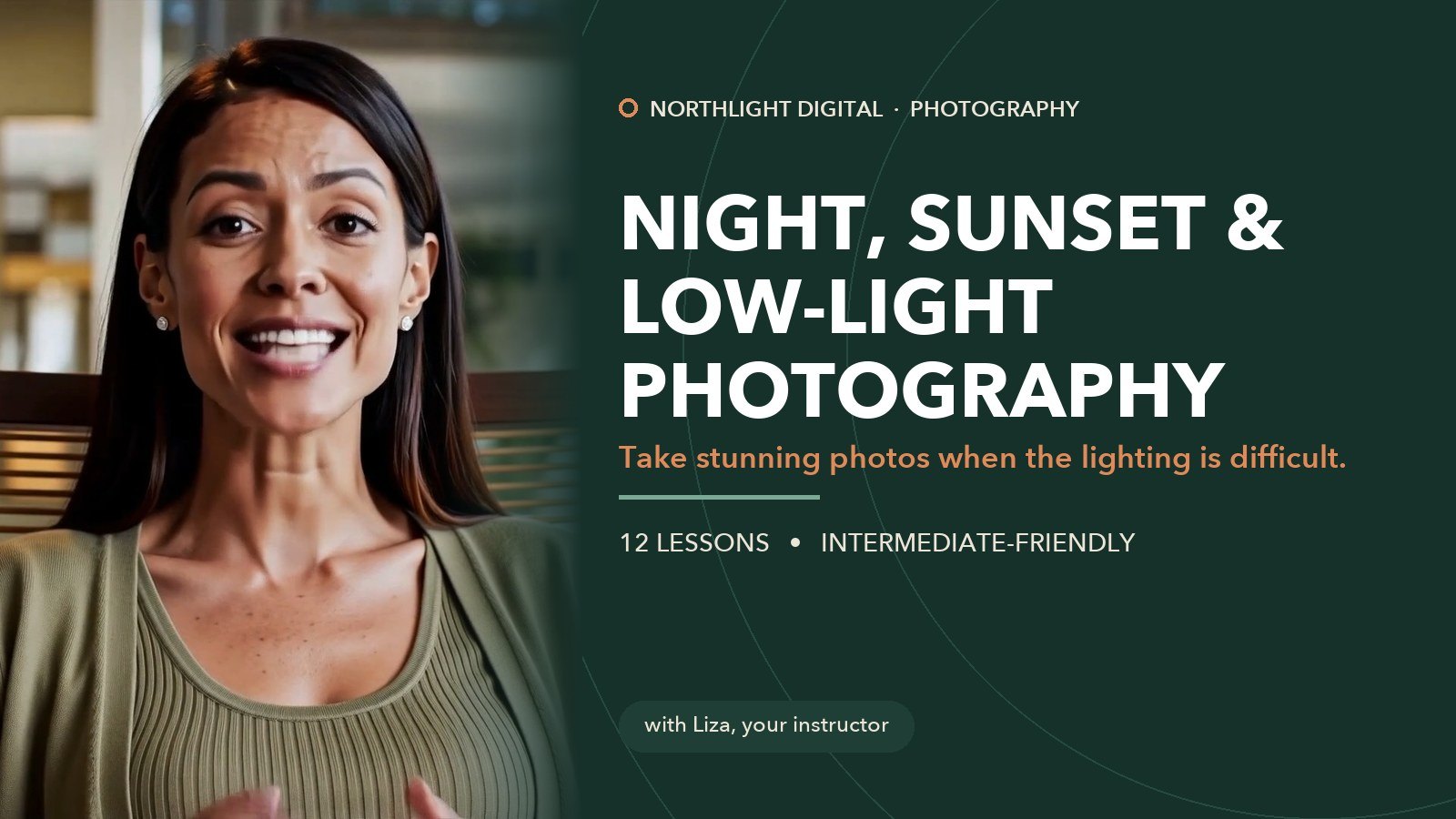
Night, Sunset & Low-Light Photography
Take stunning photos when the lighting is difficult, from golden hour and sunsets to city lights and fireworks.
$45
- Intermediate
- 12 video lessons
- English
- Lifetime access
- Self-paced
Some of the most beautiful light happens when it is hardest to photograph. This course shows you how to capture golden hour, sunsets, city lights and night scenes with sharp detail, rich color and controlled noise. Read more
Returns: Final sale. If you can't access the course, or content promised in the listing is missing, the seller fixes it within 5 business days or refunds you. A missed live session is rescheduled or recorded within 30 days, or its share is refunded.
Start learning
Enrolment isn't available online from this seller yet. Questions? Ask Northlight Digital below.
Interested? Ask the seller
Send a message and Northlight Digital will reply by email to arrange your order.
Some of the most beautiful light happens when it is hardest to photograph. This course shows you how to capture golden hour, sunsets, city lights and night scenes with sharp detail, rich color and controlled noise.
Lessons are presented by Liza, a friendly AI instructor, with step-by-step demonstrations and practical assignments you can try on your next evening out. Most techniques work with a smartphone and its night mode. A small tripod is optional but very helpful, and a dedicated camera can be used if you have one.
What you'll learn to shoot
- Golden hour scenes and colorful sunsets
- City lights and blue hour skylines
- Night portraits that keep faces and lights in balance
- Long exposures, light trails and fireworks
You will also learn to stay sharp in the dark, shoot safely after dark, and edit low-light images without making them muddy or noisy.
What you'll learn
- Understand how phones handle low light, noise and night mode
- Make the most of warm, soft golden hour light
- Expose sunsets and twilight skies for rich, natural color
- Photograph city lights and skylines during blue hour
- Take night portraits with balanced faces and backgrounds
- Keep photos sharp in the dark with bracing, timers and a tripod
- Understand long exposure and when to use it
- Capture light trails from traffic and moving lights
- Photograph fireworks with good timing and framing
- Find creative night subjects like reflections and neon
- Edit low-light images to control noise and keep color natural
- Plan and shoot safely after dark
4 modules · 12 lessons
Module 1Golden Hour & Sunsets
3 lessons- How Low Light Works on a PhoneLearn why low-light photos get blurry or noisy and how night mode helps.
- Golden Hour LightUse warm, low-angle light for soft, glowing photos of people and places.
- Sunsets and TwilightExpose for the sky and keep shooting after the sun goes down.
Module 2City Lights & Night Portraits
3 lessons- City Lights and Blue HourCapture skylines and streets when the sky and city lights are balanced.
- Night PortraitsLight faces at night using street lights, shop windows and night mode.
- Keeping Shots Sharp in the DarkUse simple techniques and optional gear to avoid blur after dark.
Module 3Long Exposure & Special Events
3 lessons- Long Exposure BasicsUnderstand how long exposure turns movement into smooth, creative effects.
- Light TrailsTurn moving traffic and lights into flowing trails across your frame.
- FireworksPlan your position and timing to capture colorful fireworks.
Module 4Creative Night & Final Project
3 lessons- Creative Night Subjects and SafetyFind reflections, neon and rain while staying safe after dark.
- Editing Low-Light PhotosEdit night images to control noise and keep colors clean and natural.
- Final Project: A Night Photo WalkPlan and shoot a night photo walk from golden hour into darkness.
Who this course is for
- Photographers who want better results at sunset and after dark.
- Travelers who want to capture cities and events at night.
- Smartphone users frustrated by blurry or noisy night photos.
- Hobbyists ready to try long exposure and light trails.
What you need
- A smartphone with night mode, or any camera you already own.
- Basic familiarity with your camera app is helpful.
- A small tripod or phone clamp is optional but recommended.
- A free editing app or your phone's built-in editor.
Liza — Northlight Digital
Liza is Northlight Digital's AI-generated photography instructor. Her lessons combine clear, friendly explanations with step-by-step demonstrations and practical assignments you can try with your own phone or camera.
Reviews
No reviews yet. Buyers can review this product from their order page after buying.