Presentation Templates
Presentation Templates to download instantly — PowerPoint Templates, Google Slides Templates, Keynote Templates, Pitch Decks, Business Presentations and more.
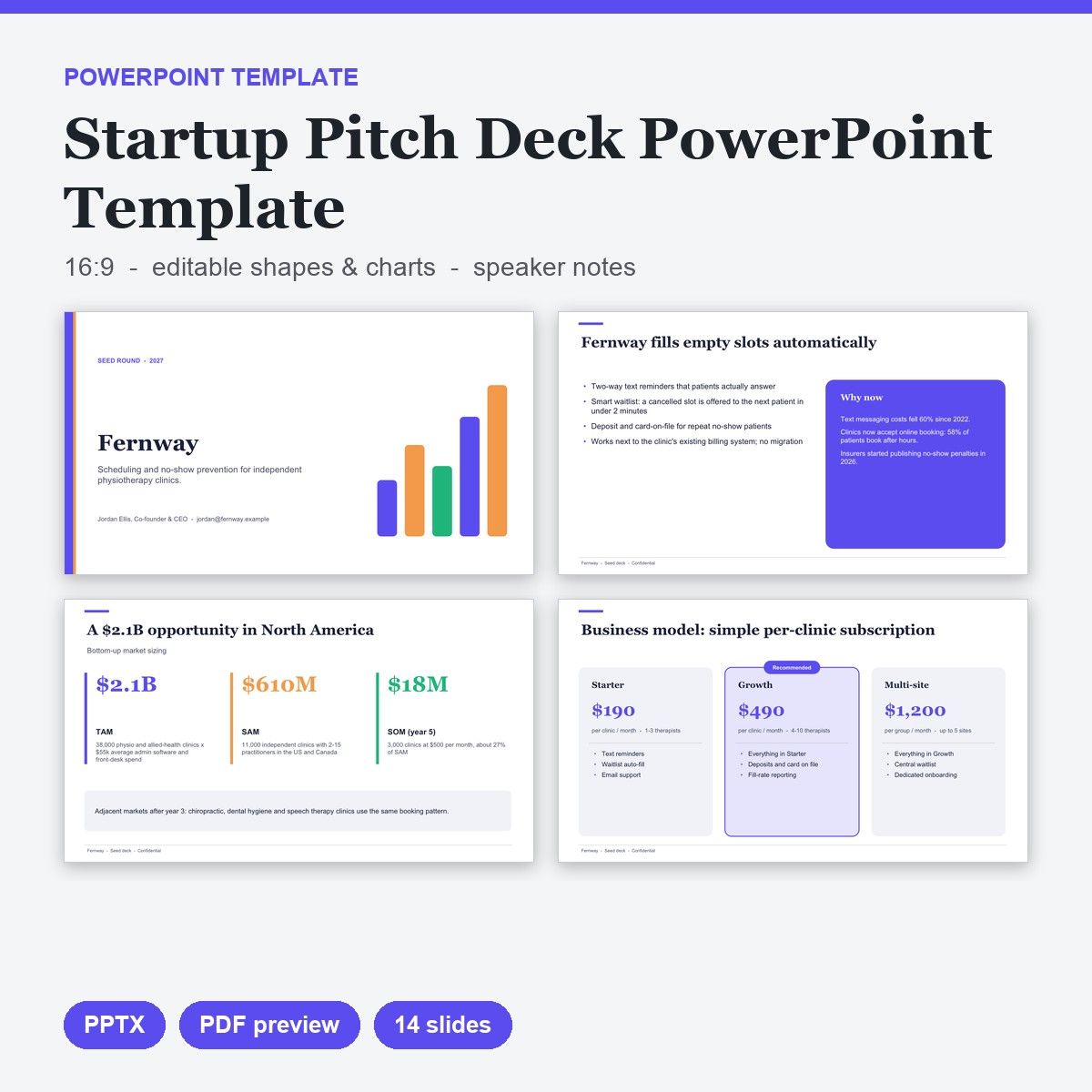
Slide & Site Studio
Startup Pitch Deck PowerPoint Template
$25
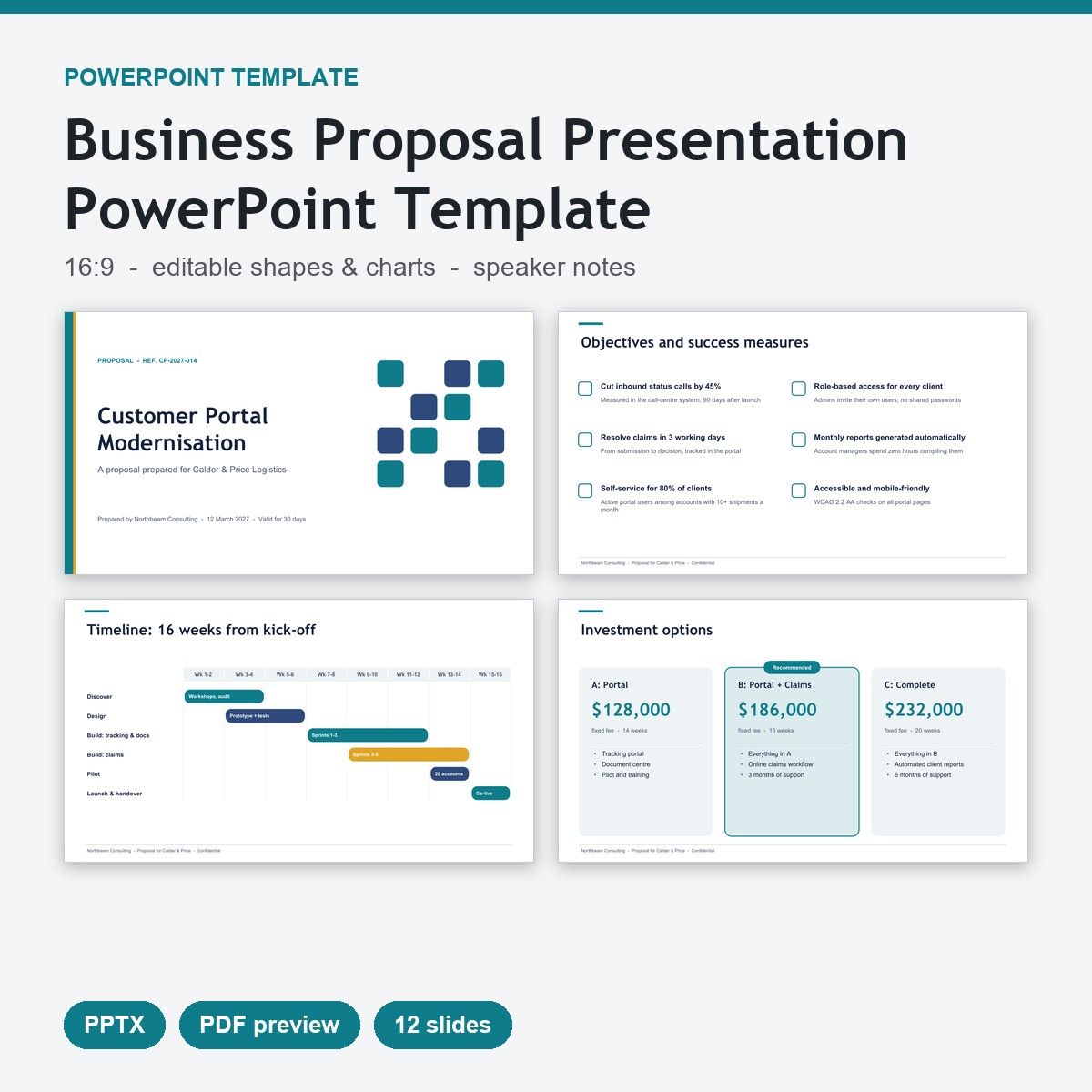
Slide & Site Studio
Business Proposal Presentation PowerPoint Template
$25
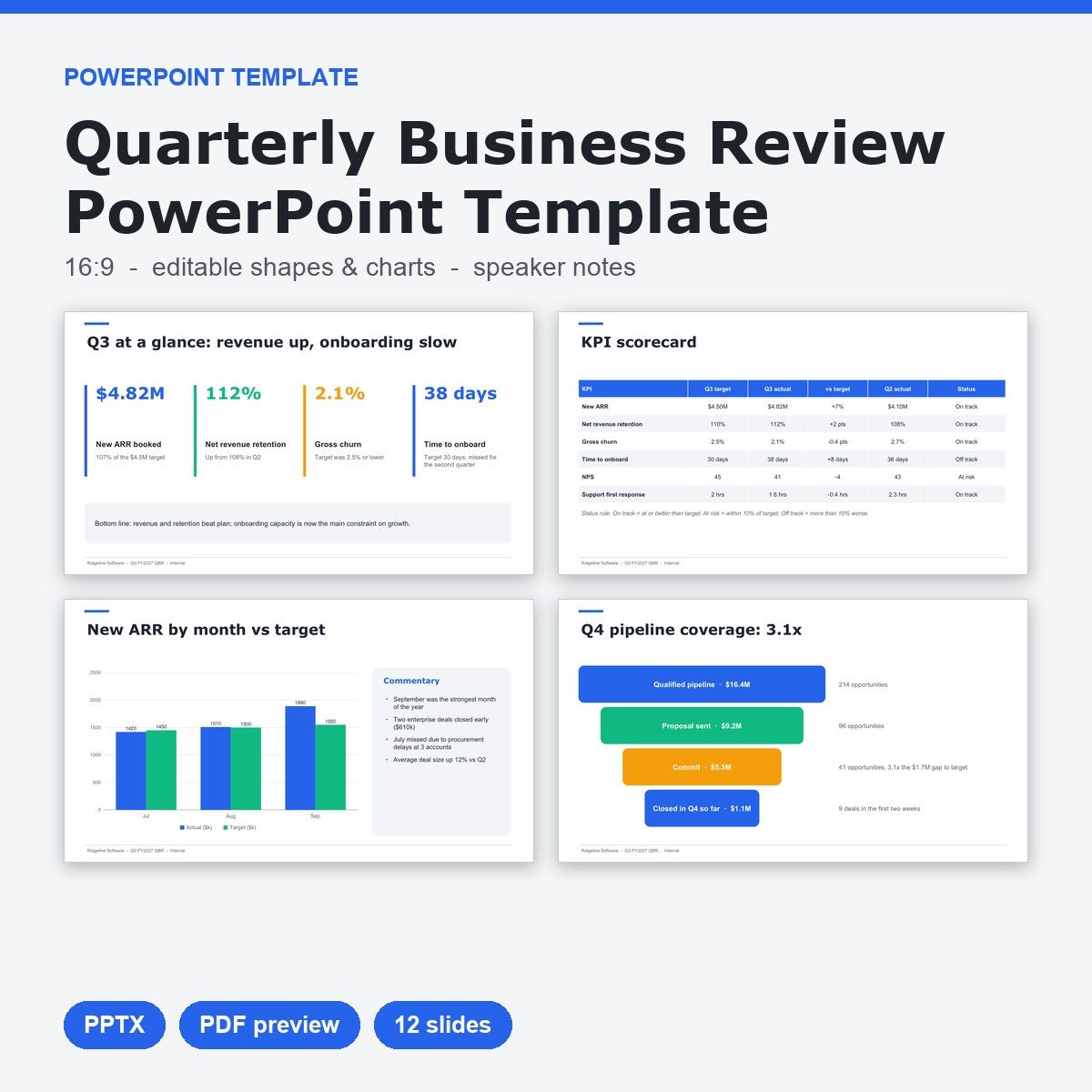
Slide & Site Studio
Quarterly Business Review PowerPoint Template
$25
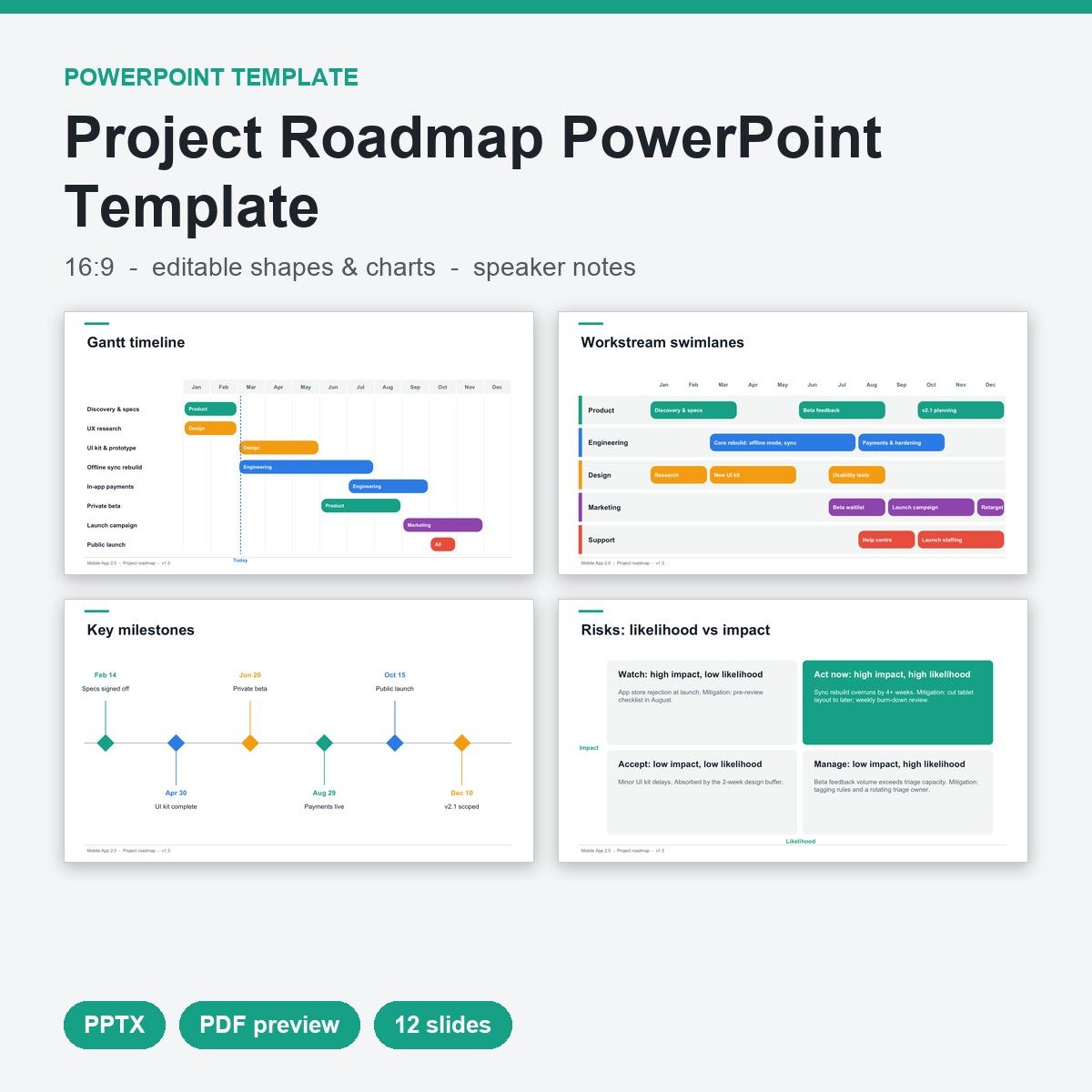
Slide & Site Studio
Project Roadmap PowerPoint Template
$25
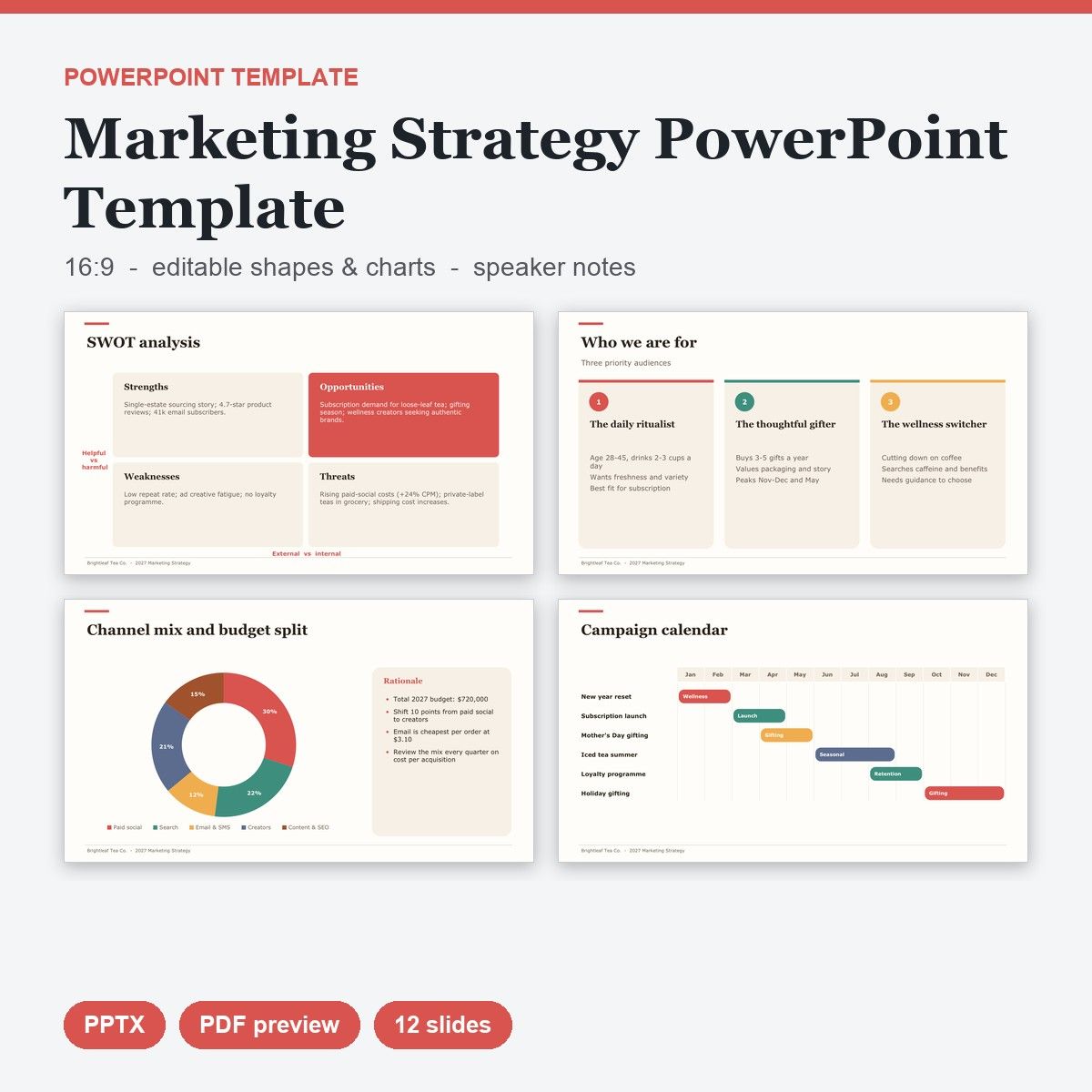
Slide & Site Studio
Marketing Strategy PowerPoint Template
$25
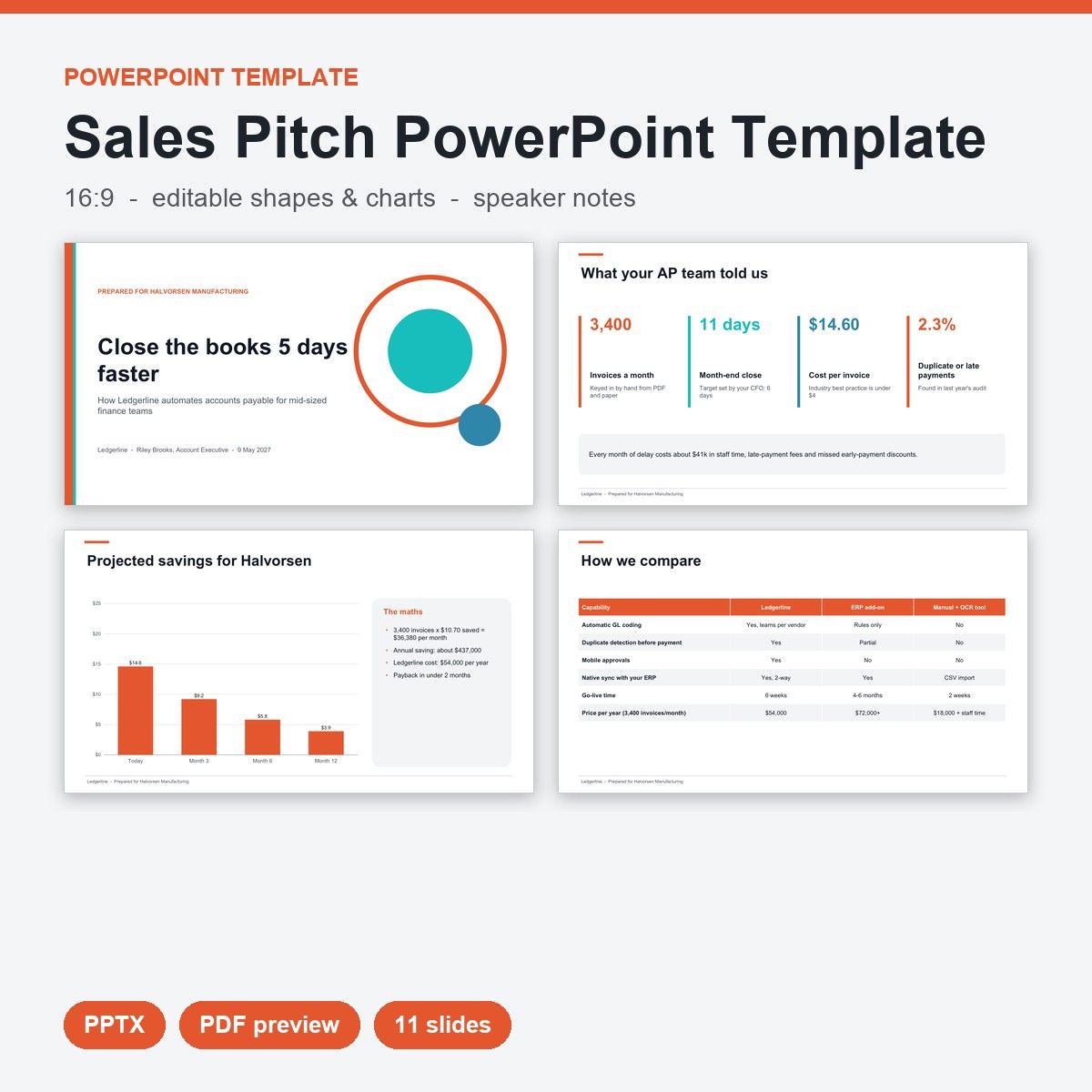
Slide & Site Studio
Sales Pitch PowerPoint Template
$25
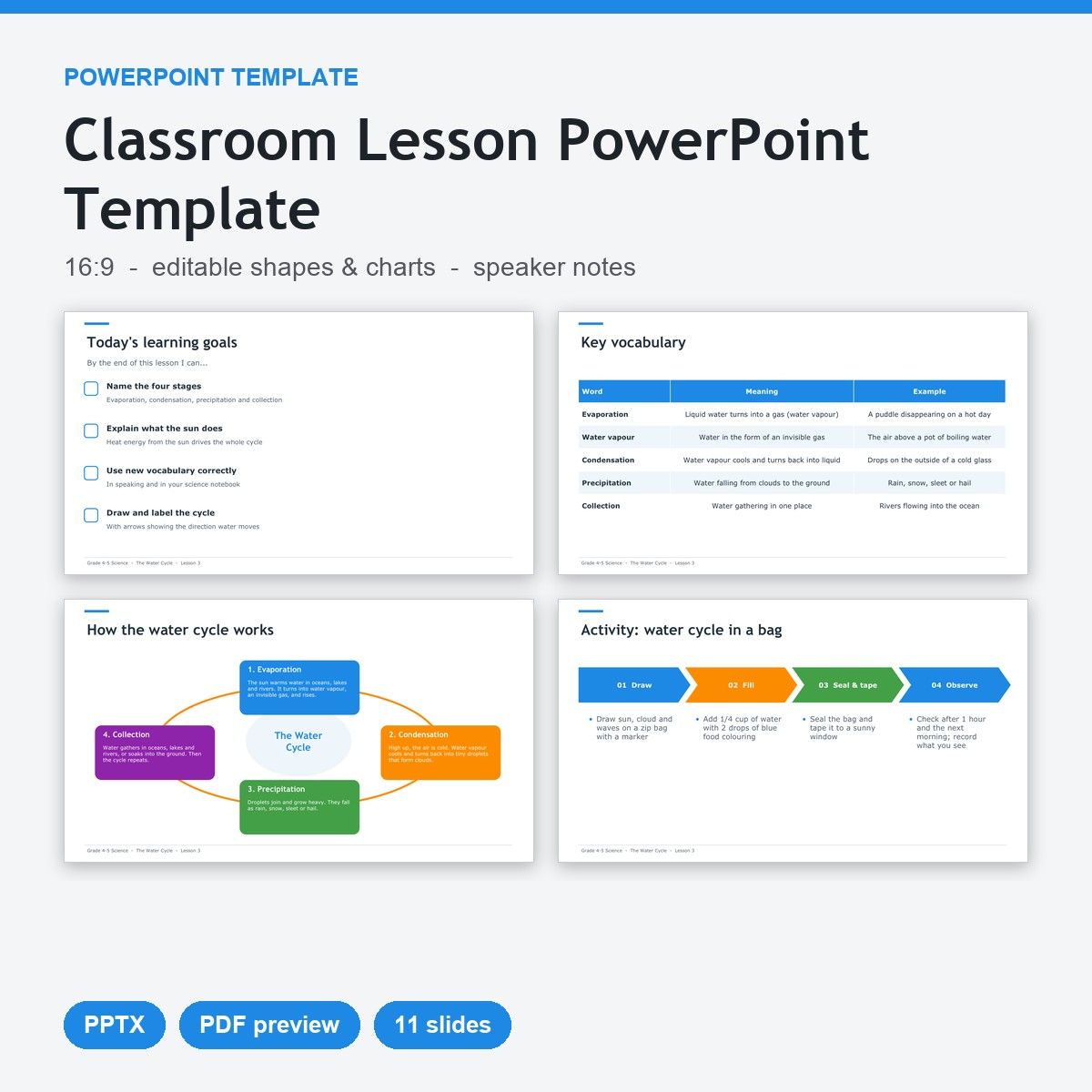
Slide & Site Studio
Classroom Lesson PowerPoint Template
$25
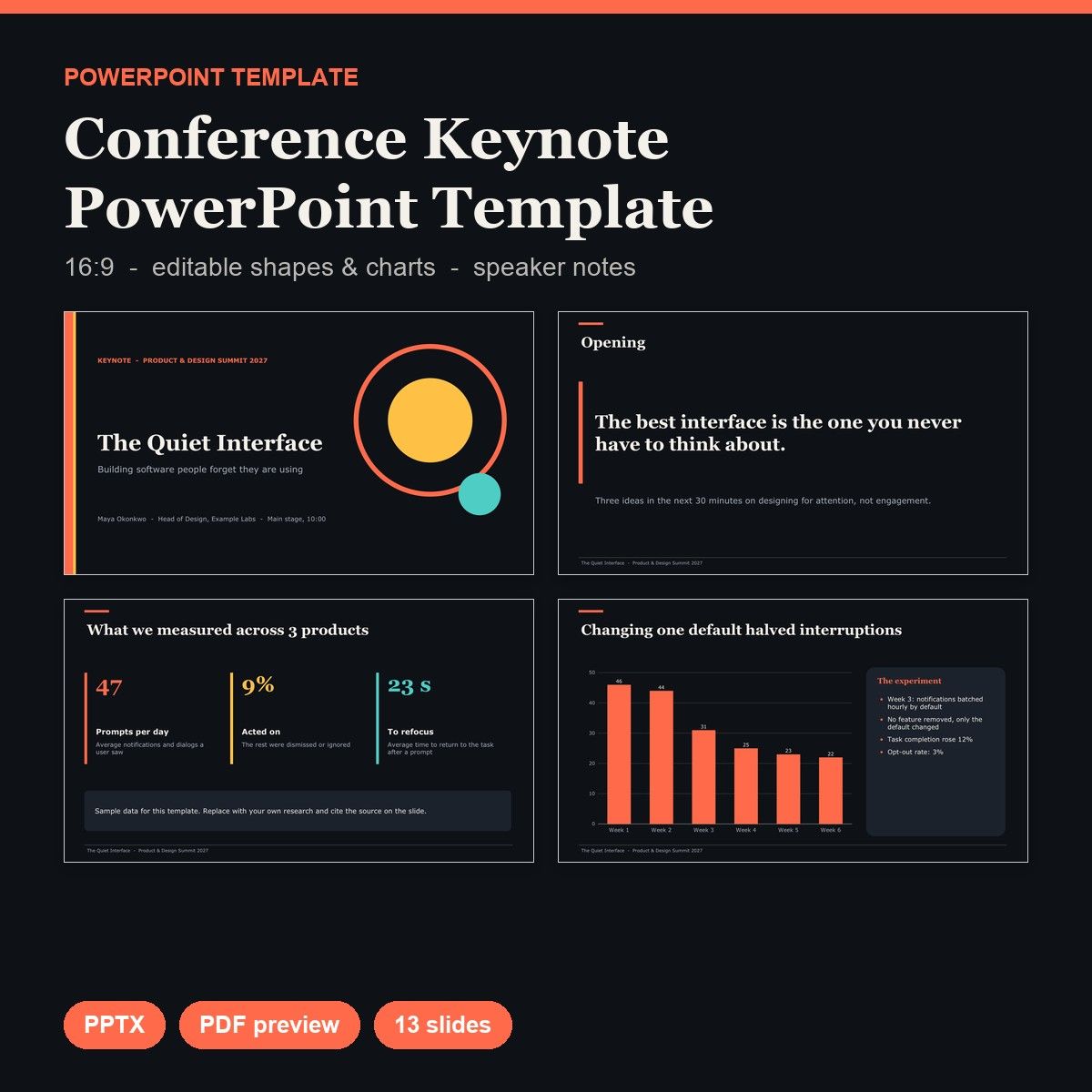
Slide & Site Studio
Conference Keynote PowerPoint Template
$25
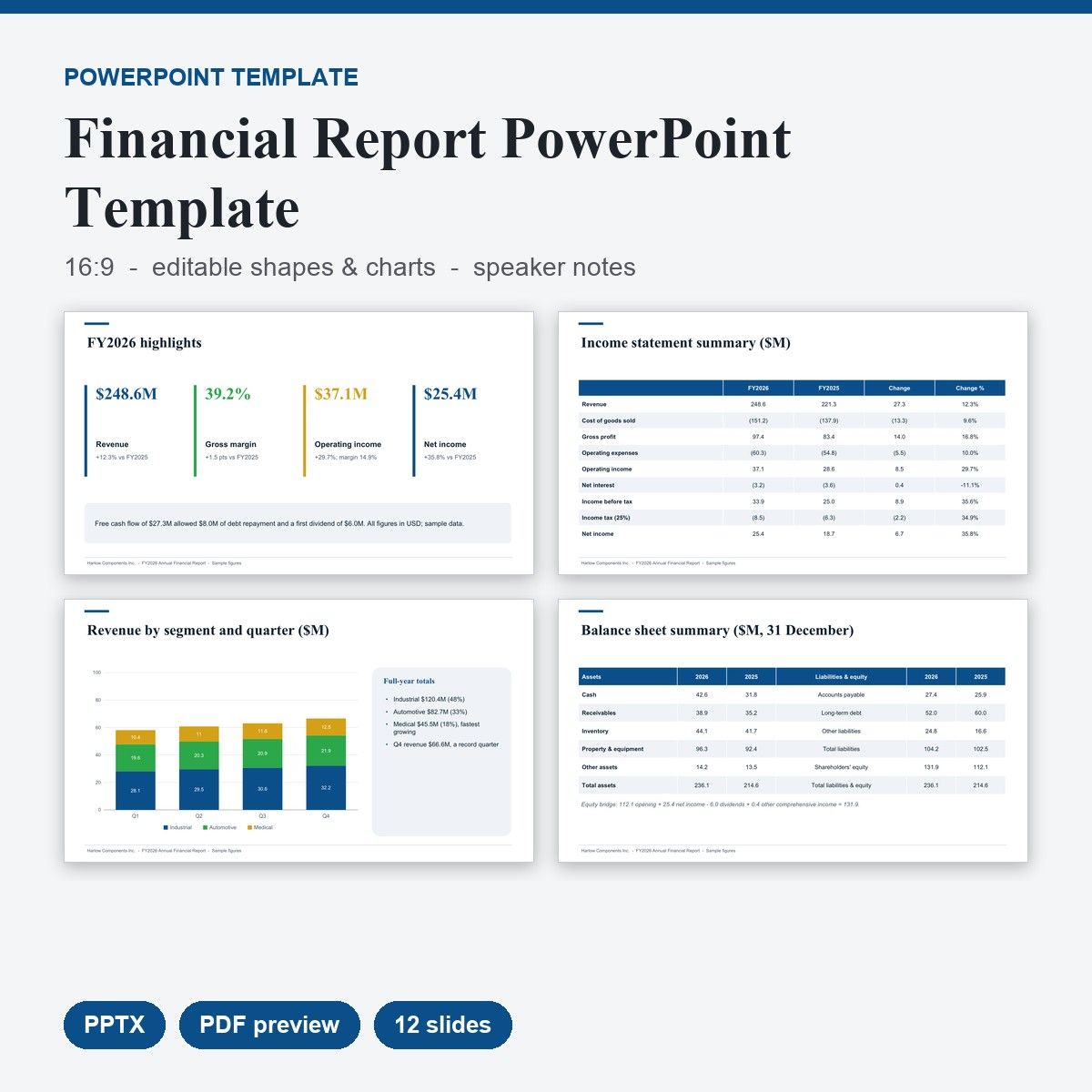
Slide & Site Studio
Financial Report PowerPoint Template
$25
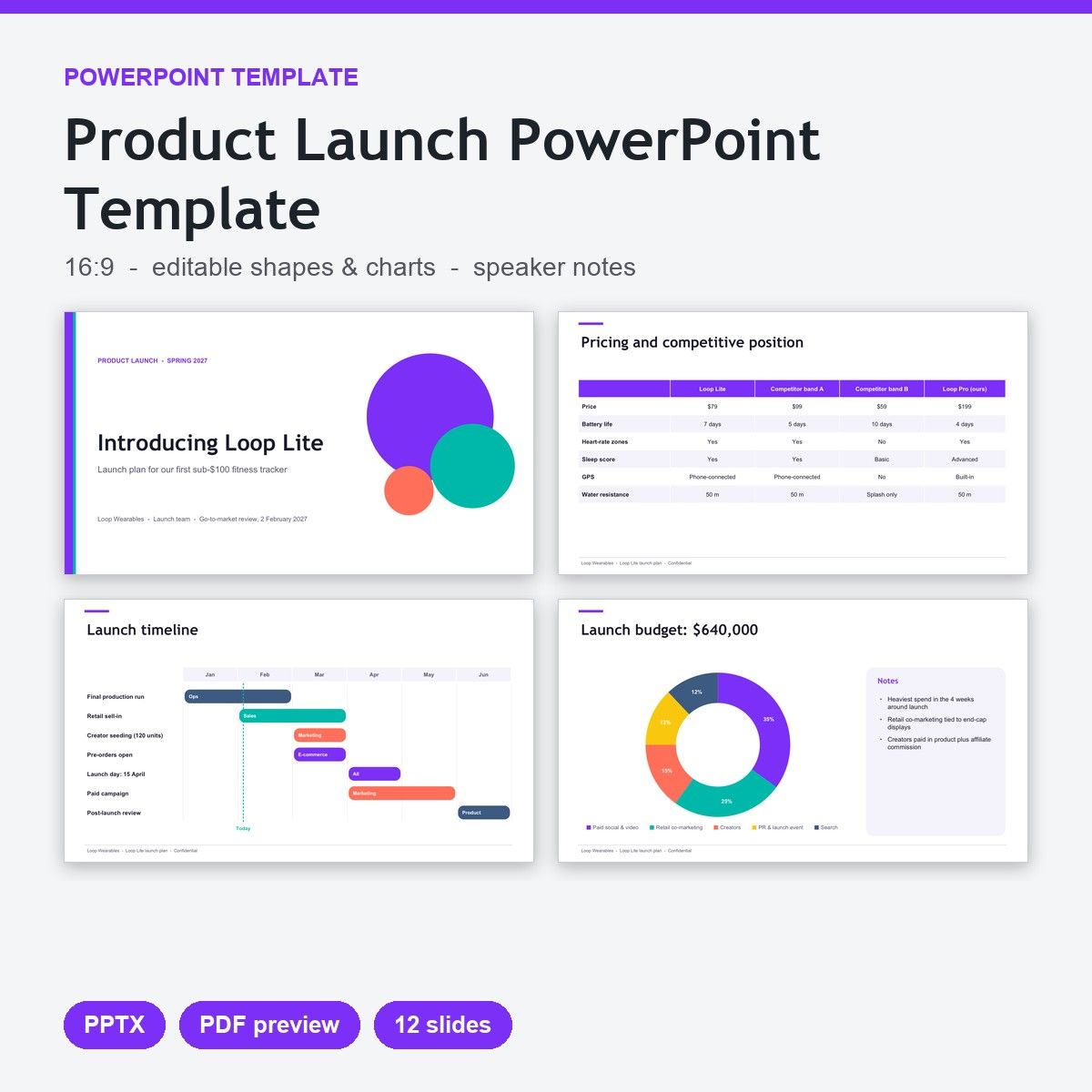
Slide & Site Studio
Product Launch PowerPoint Template
$25
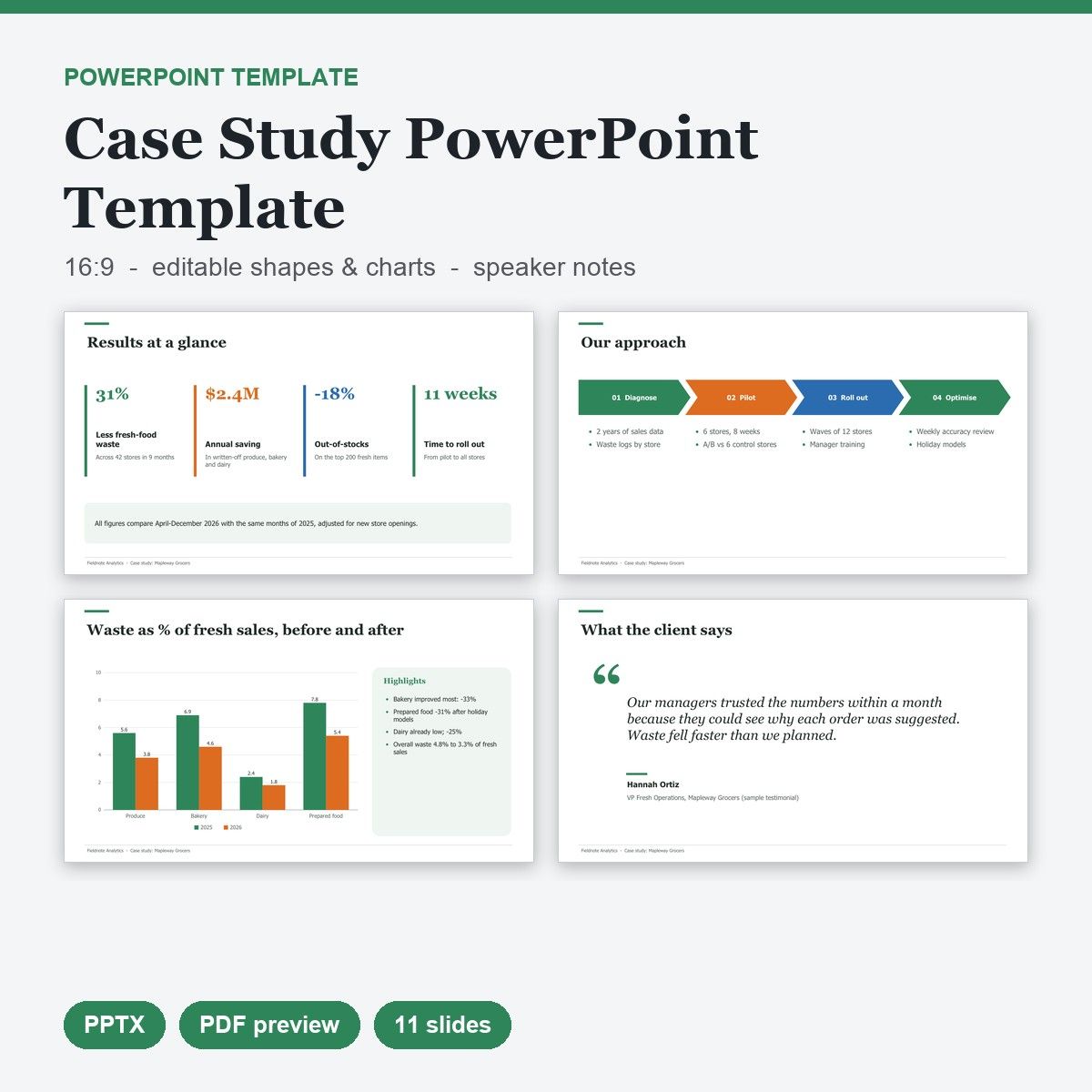
Slide & Site Studio
Case Study PowerPoint Template
$25
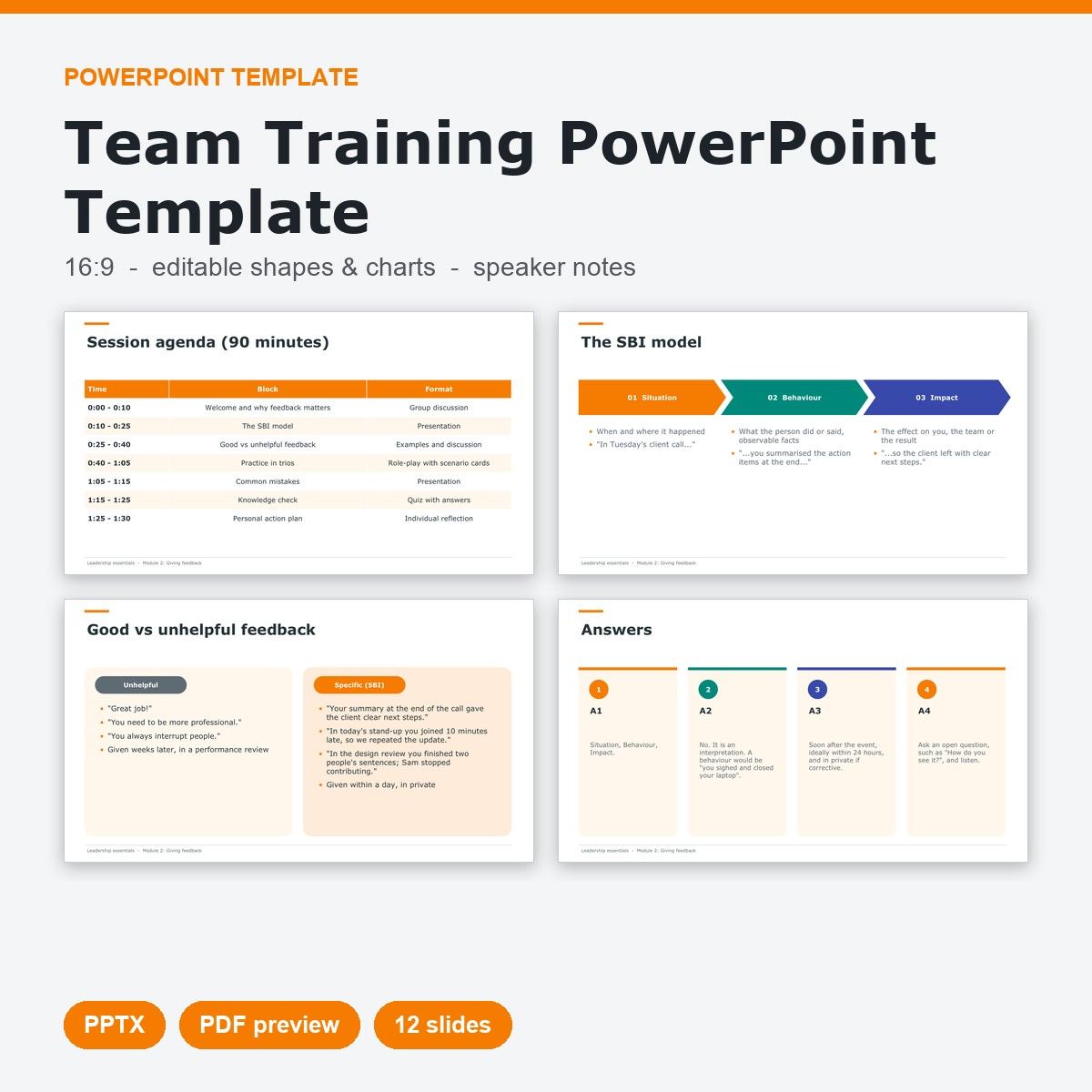
Slide & Site Studio
Team Training PowerPoint Template
$25
Browse Presentation Templates by category
About presentation templates
Presentation templates give you a designed, consistent deck you can fill with your own content. On MultiVendor Market independent designers and consultants sell PowerPoint templates, Google Slides themes, Keynote templates, startup pitch decks, business presentations for strategy, sales and quarterly reviews, educational slides for teachers and trainers, and report templates for annual reports, case studies and proposals.
A good template includes master slides and layouts, a color theme and font pairing, editable charts and tables, icon sets, image placeholders and a wide range of slide types: title, agenda, section breaks, timelines, team, data and closing slides. Most come in 16:9 widescreen, sometimes with 4:3 or vertical versions.
Before buying, check which app the template is built for, whether fonts are free or included, whether images are included or placeholders only, and the license terms — personal and single-business use is typical, while using a template in products you sell or for many clients may need an extended license.
Choosing a presentation template
- Pick a template built natively for your app — PowerPoint, Google Slides or Keynote — rather than a converted file.
- Check the slide count and slide types in the preview, including charts, timelines and team slides.
- Confirm fonts are free or included; missing fonts break the design.
- See whether photos are included or just placeholders.
- Look for master slides so new slides match the design automatically.
- Read the license for client work, resale or use in products you sell.
Questions about presentation templates
Can I use a PowerPoint template in Google Slides?
You can import it, but layouts, fonts and animations may shift. For the cleanest result, buy a template that includes a native Google Slides version.
Are photos included in presentation templates?
Some templates include images; many use placeholders you replace with your own. The description says which.
Can I use a template for client presentations?
Usually yes for presentations you deliver. Reselling the template itself or using it in products you sell often needs an extended license. Check the terms.
How do I get the template after purchase?
It's a digital download available right after checkout. Google Slides templates usually come as a copy link inside the download.
More in Digital downloads
- eBooks & PDF Guides
- Planners & Printables
- Business Documents & Templates
- Spreadsheets & Calculators
- Google Sheets Templates
- Graphic Design Assets
- Digital Art & Illustrations
- Fonts, Icons & Typography
- Photography & Stock Images
- Video & Motion Graphics
- Music & Audio Files
- Software & Applications
- Code, Scripts & Developer Tools
- Websites, Themes & Plugins
- AI Prompts & Automation
- 3D Models & CAD Files
- Educational Resources
- Games & Digital Game Assets
- Marketing & Social Media Kits
- Data, Reports & Research
- Craft & Production Patterns
- Digital Bundles & Collections