Cricut Files
Cricut Files from independent creators — download instantly.
SVG & Pattern Lab
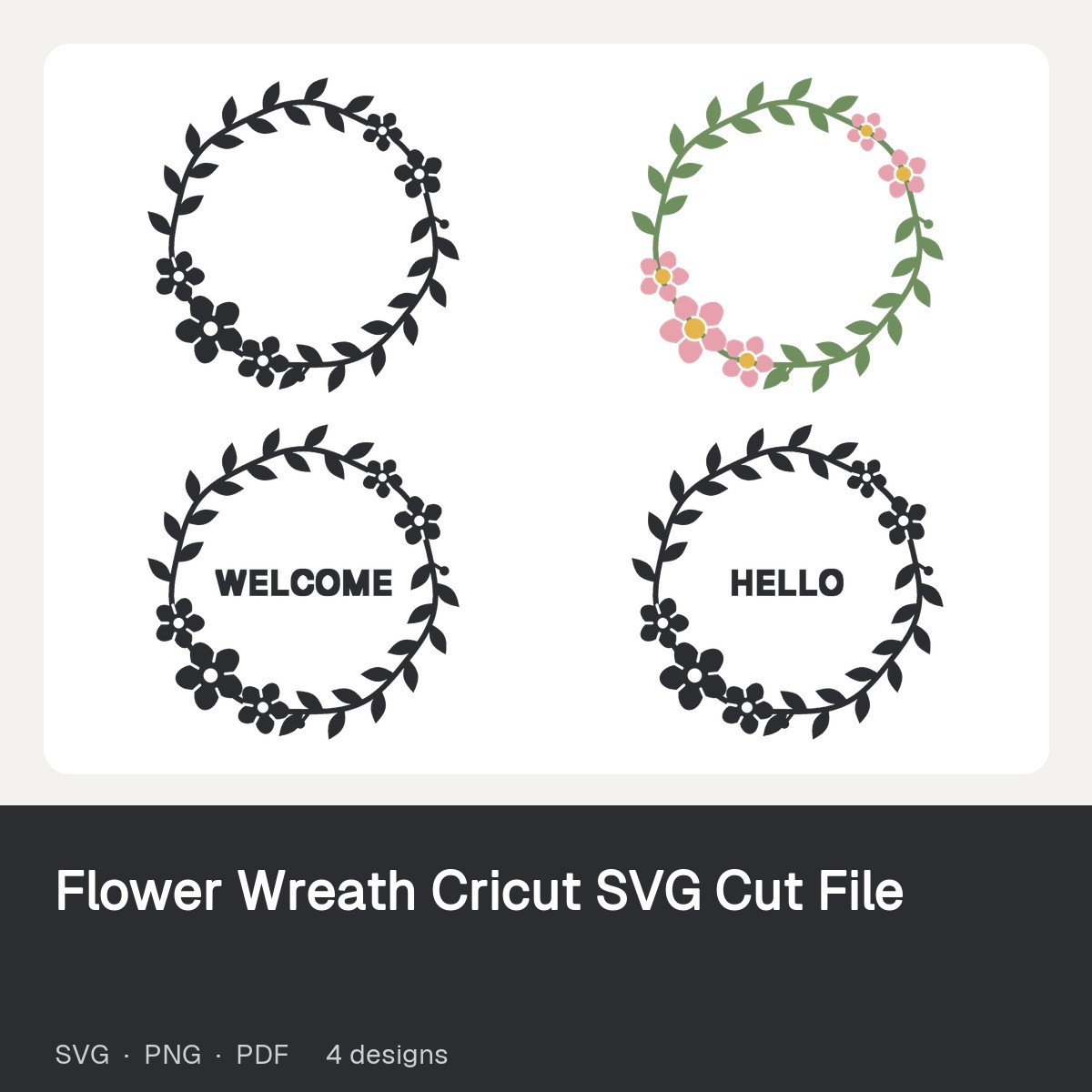
Flower Wreath Cricut SVG Cut File
$7
SVG & Pattern Lab
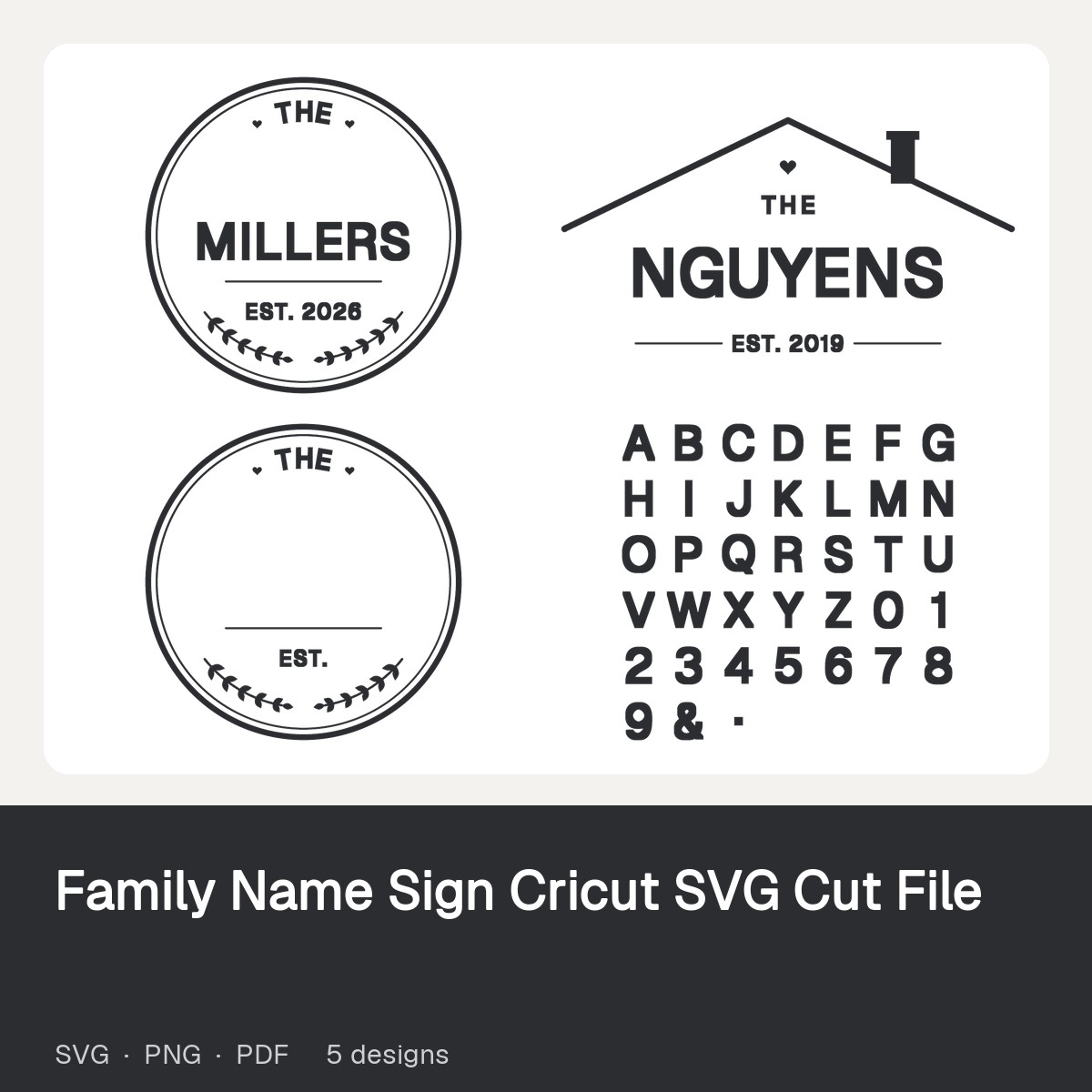
Family Name Sign Cricut SVG Cut File
$7
SVG & Pattern Lab
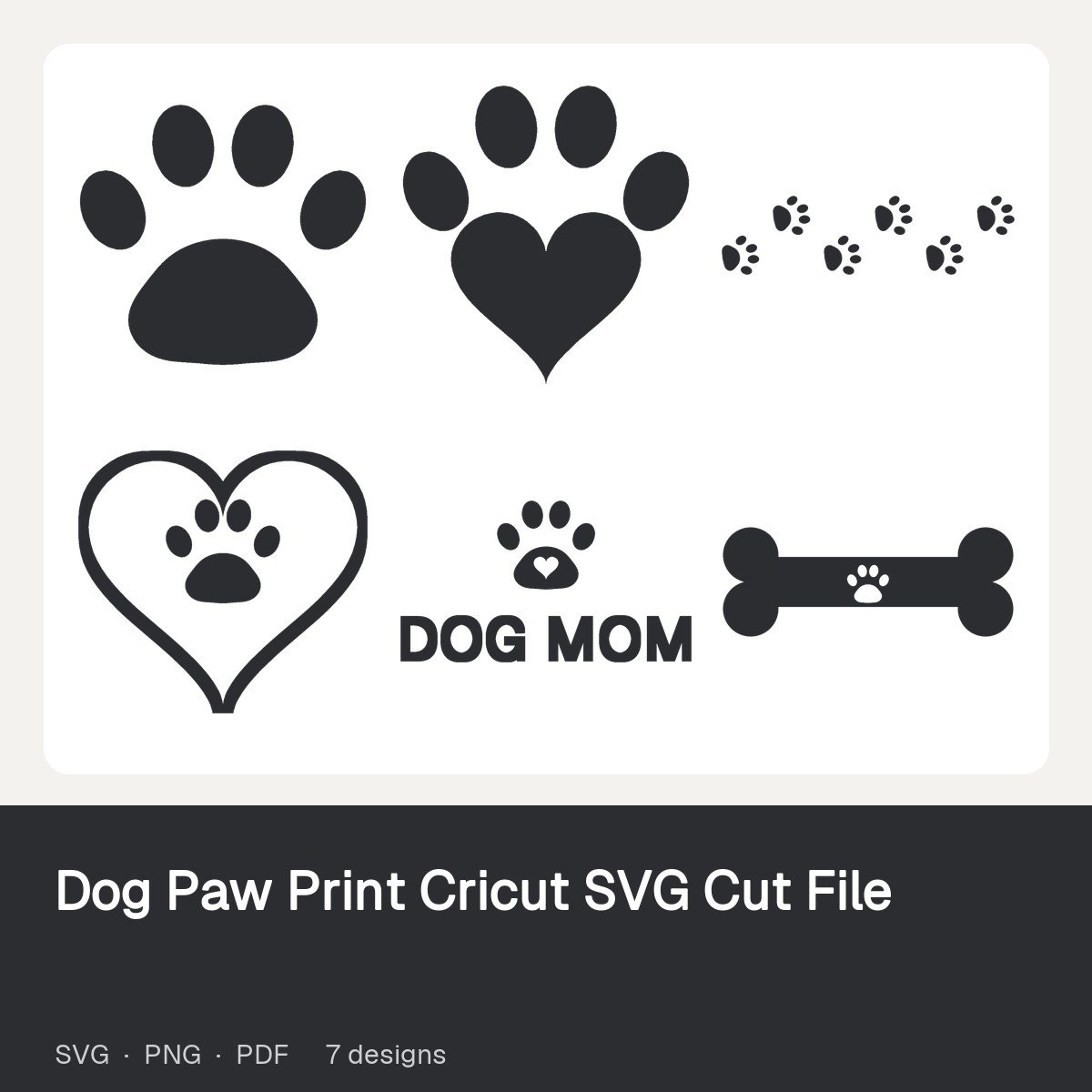
Dog Paw Print Cricut SVG Cut File
$7
SVG & Pattern Lab
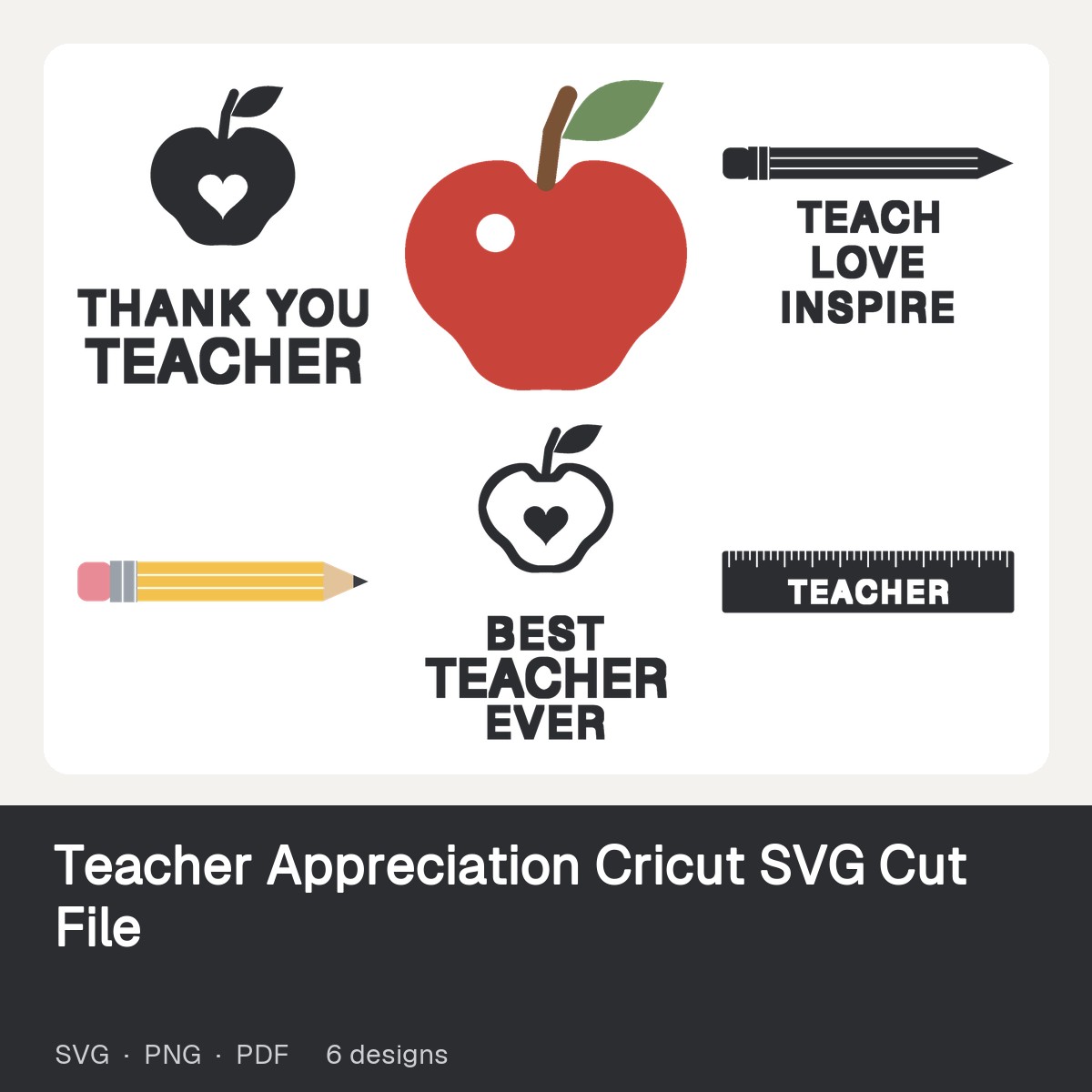
Teacher Appreciation Cricut SVG Cut File
$7
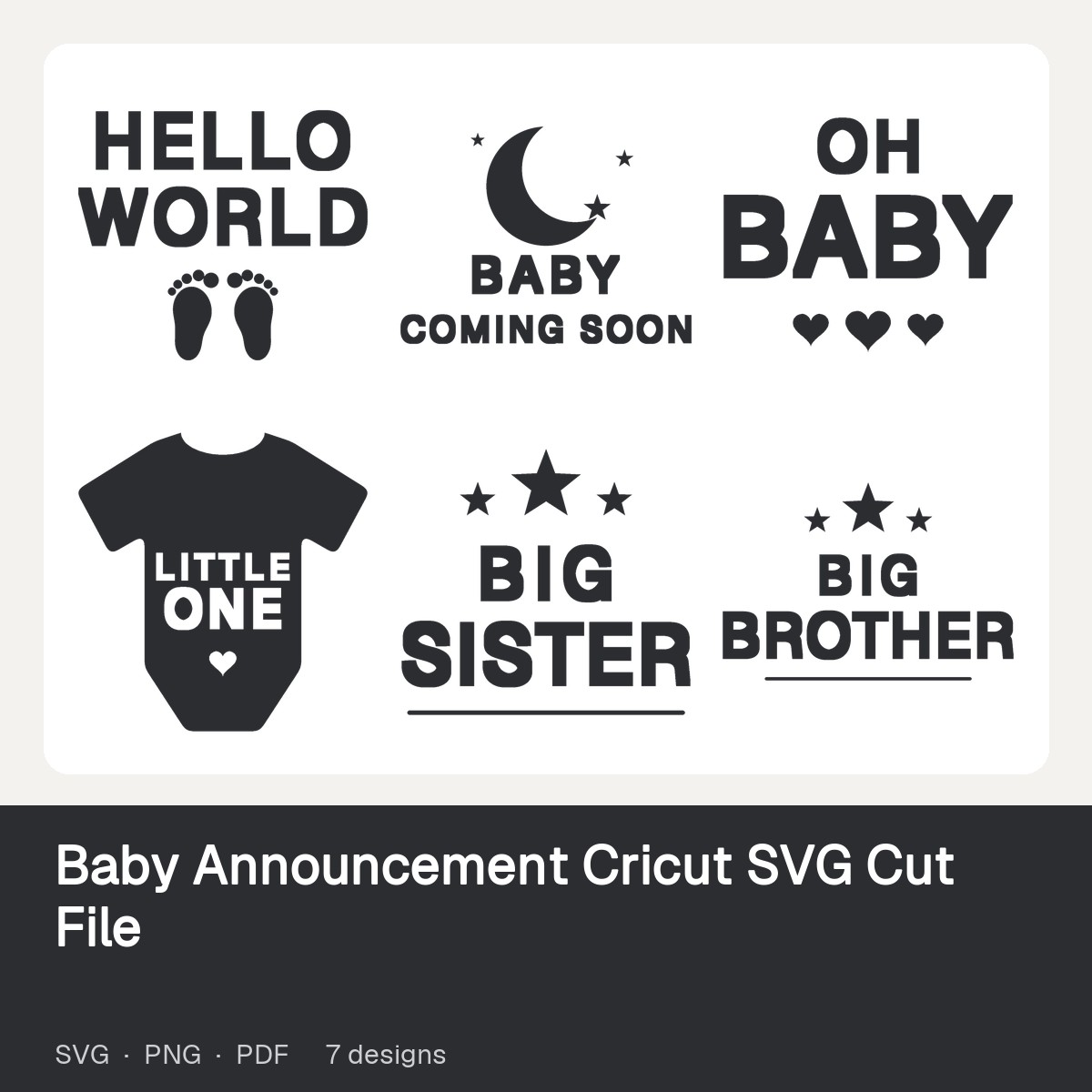
SVG & Pattern Lab
Baby Announcement Cricut SVG Cut File
$7
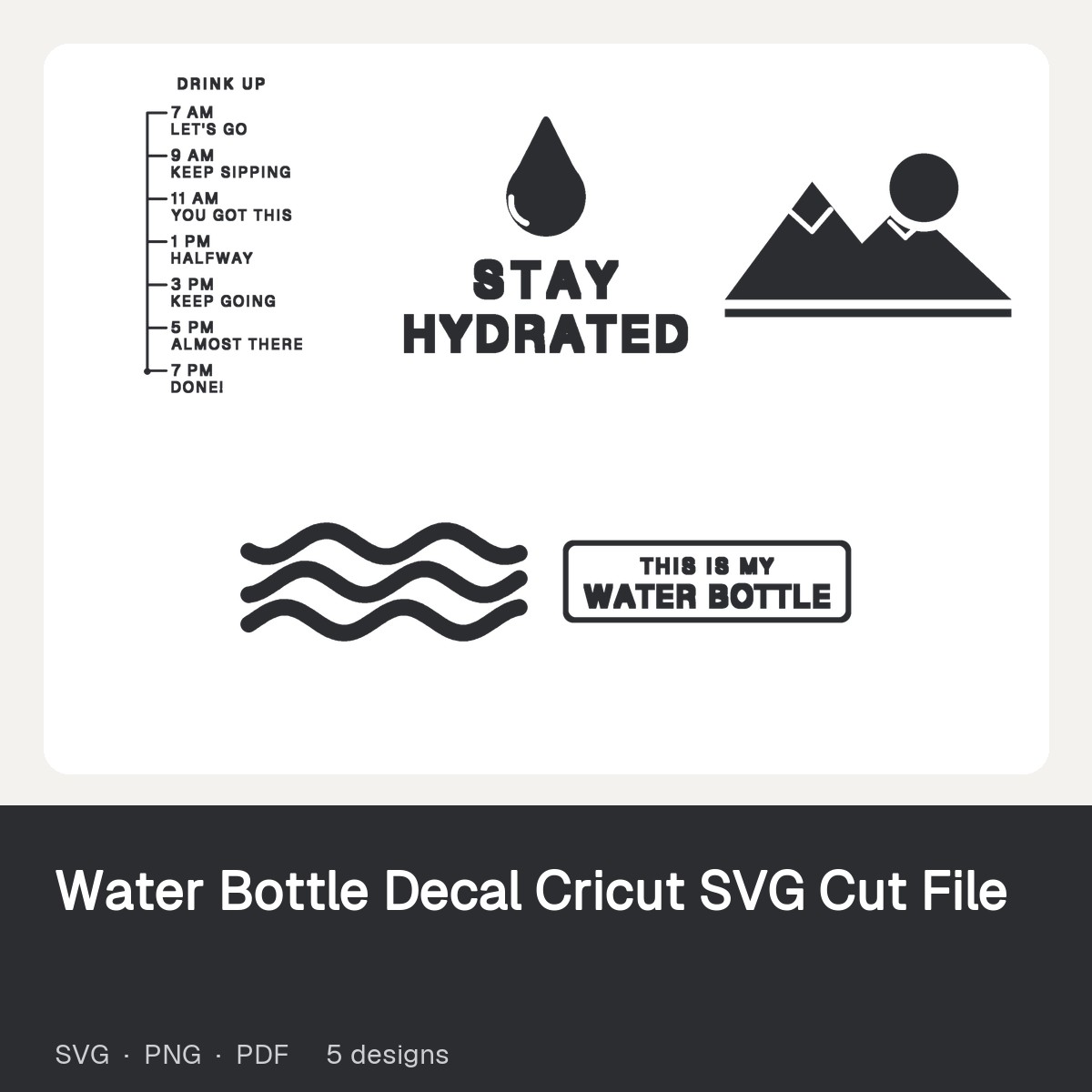
SVG & Pattern Lab
Water Bottle Decal Cricut SVG Cut File
$7
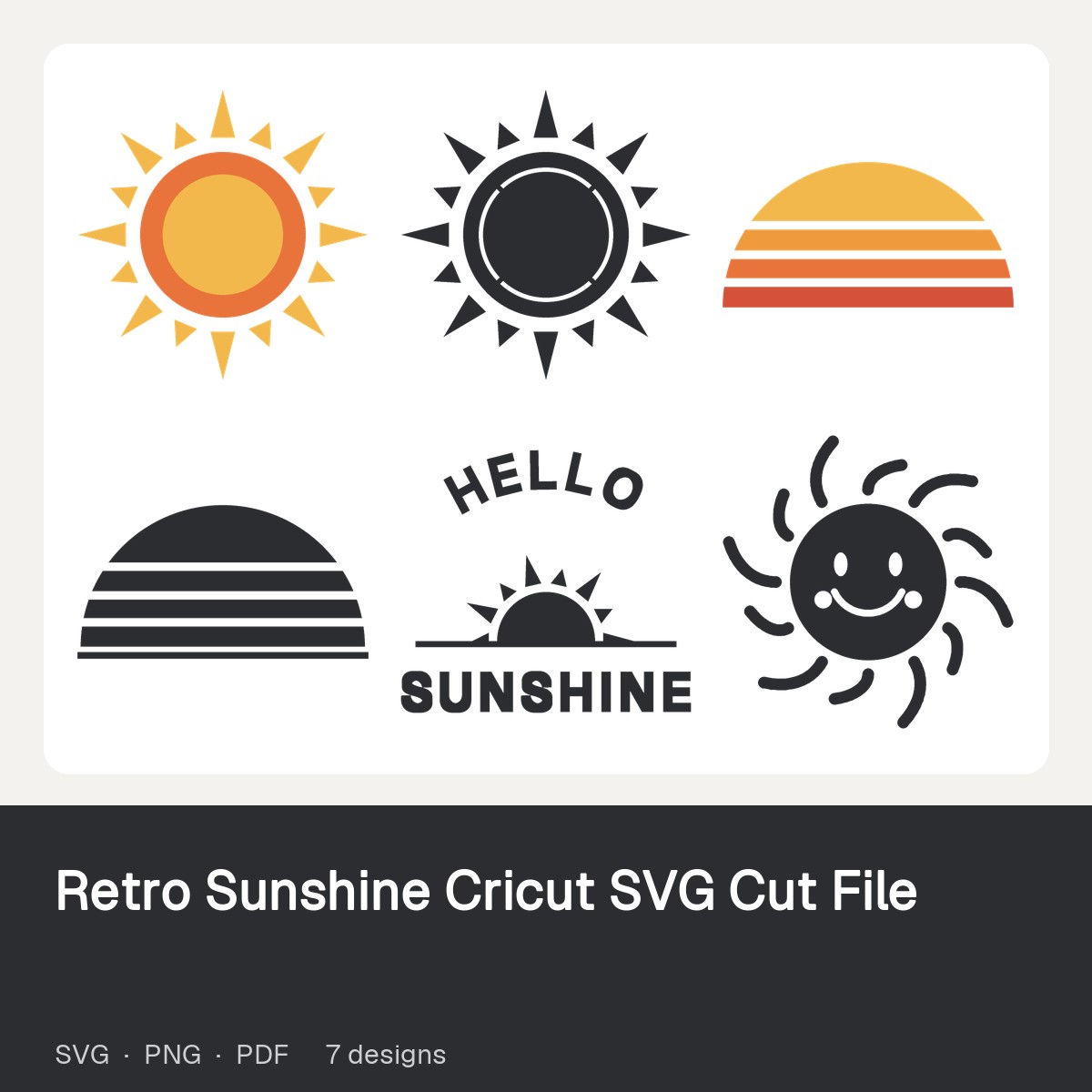
SVG & Pattern Lab
Retro Sunshine Cricut SVG Cut File
$7
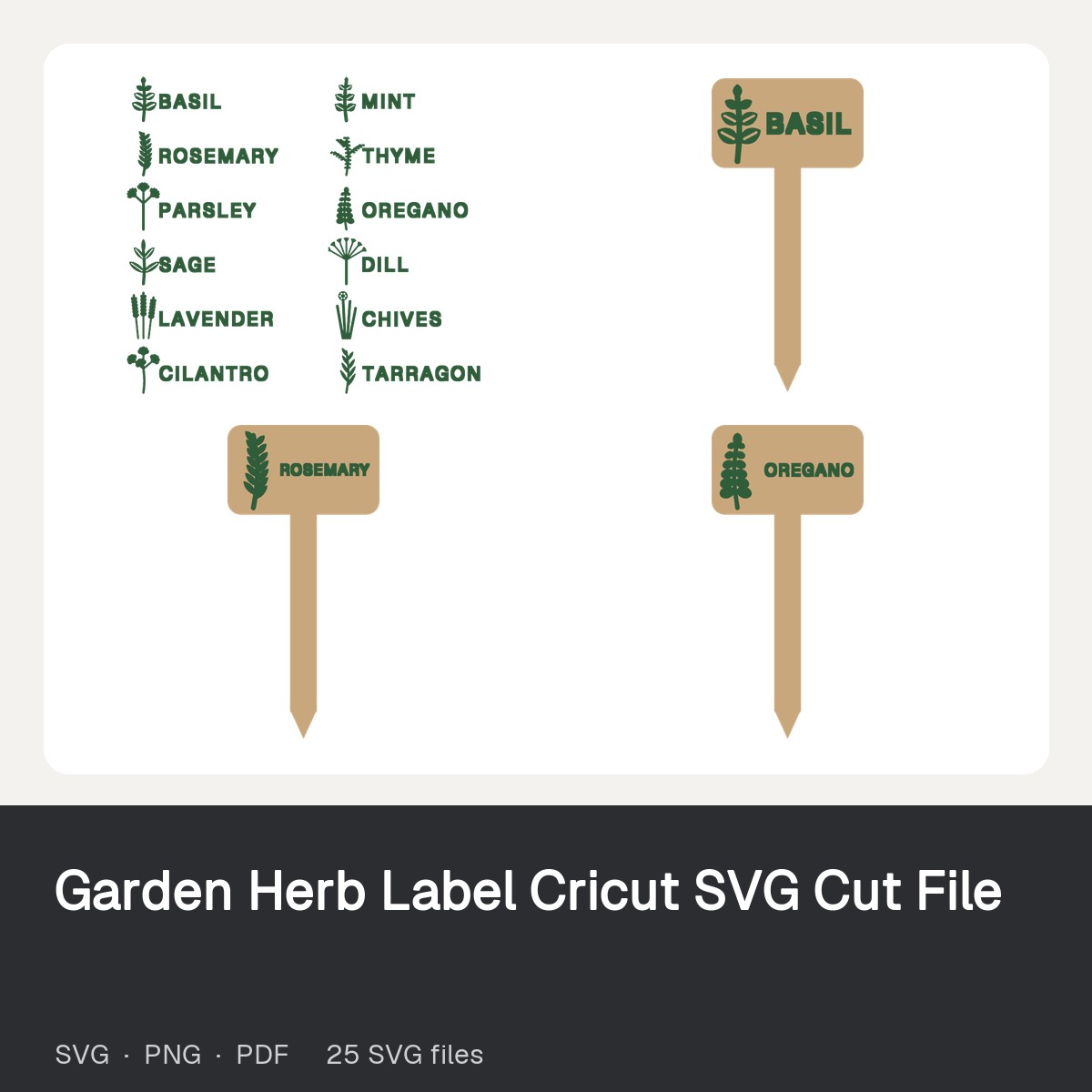
SVG & Pattern Lab
Garden Herb Label Cricut SVG Cut File
$7
SVG & Pattern Lab
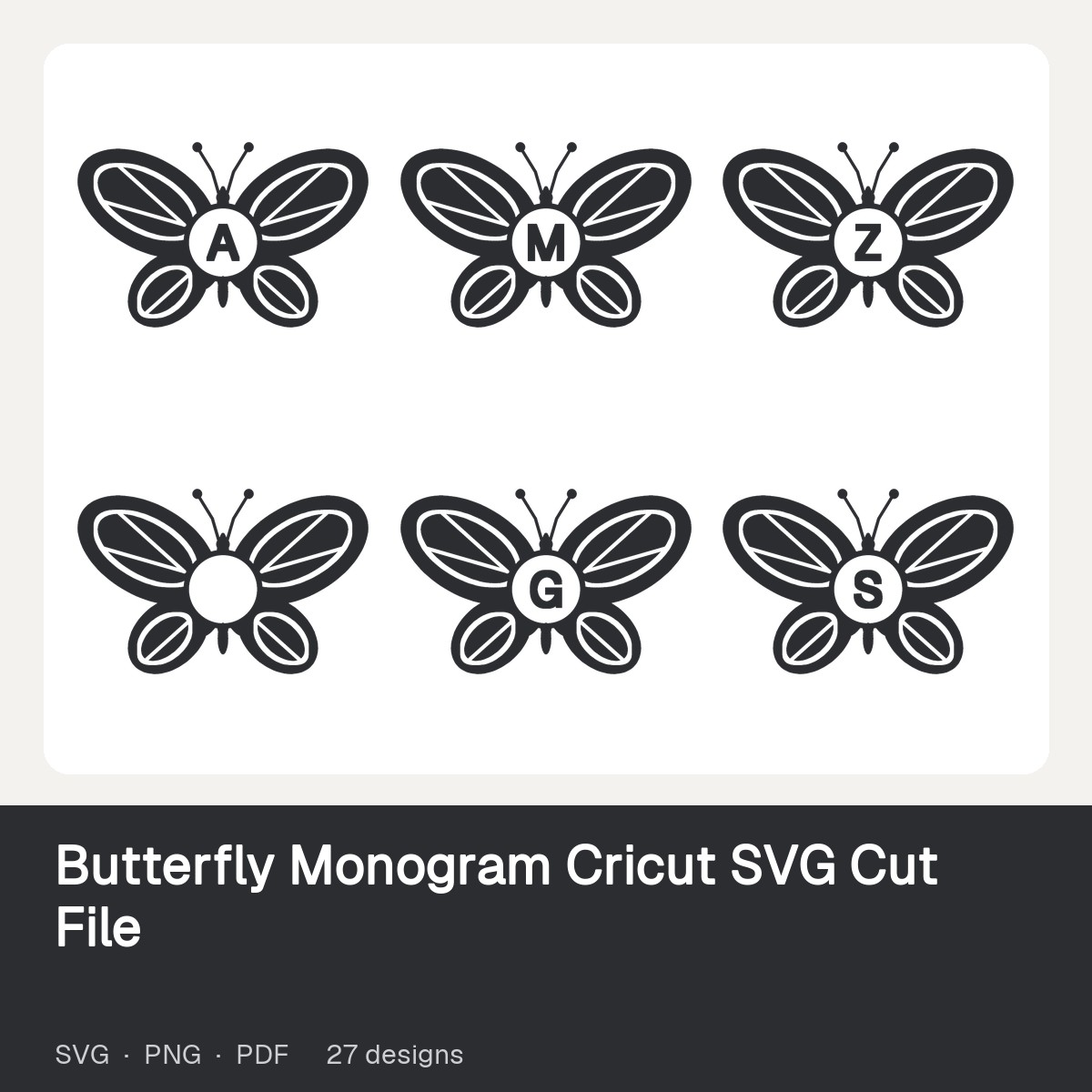
Butterfly Monogram Cricut SVG Cut File
$7
SVG & Pattern Lab
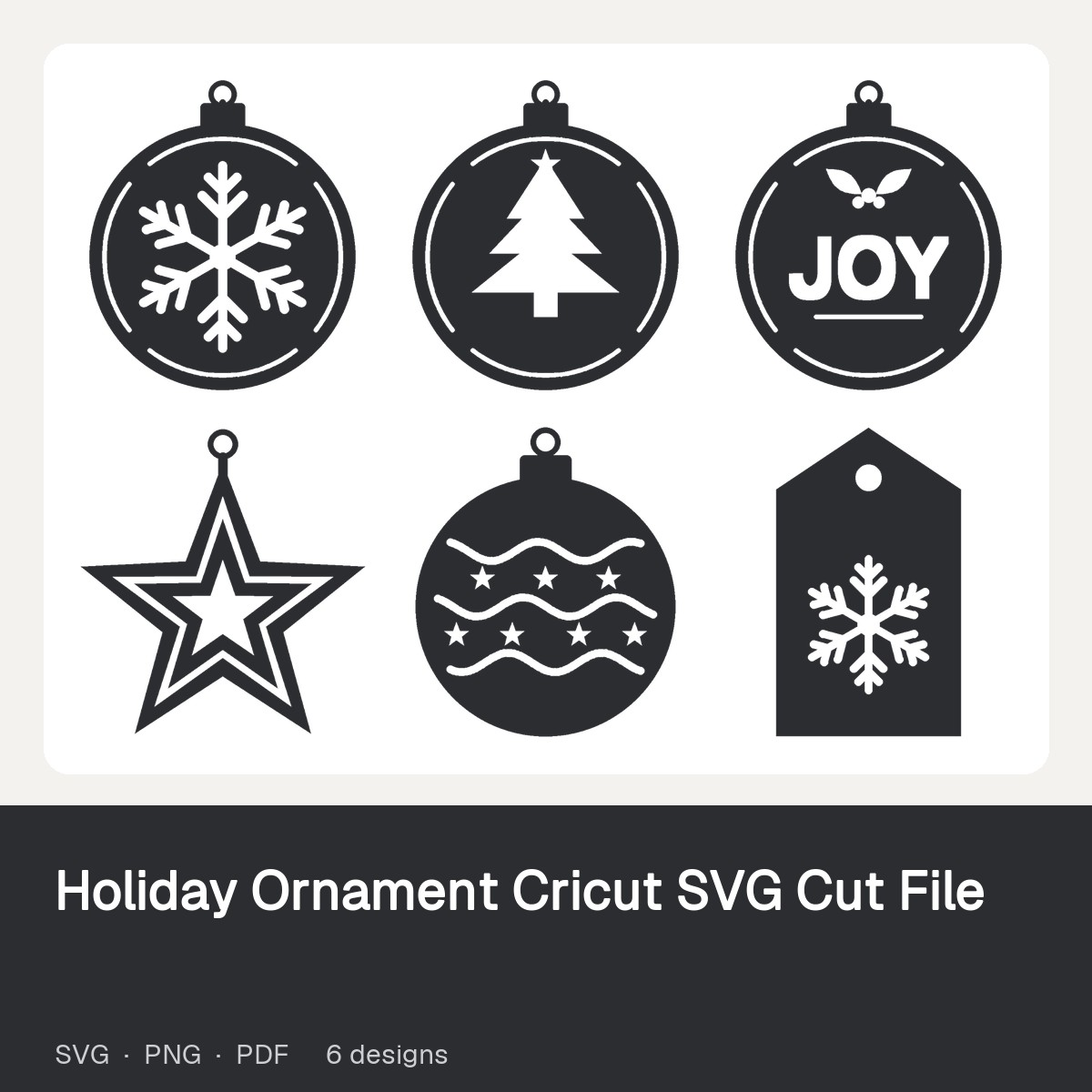
Holiday Ornament Cricut SVG Cut File
$7
SVG & Pattern Lab
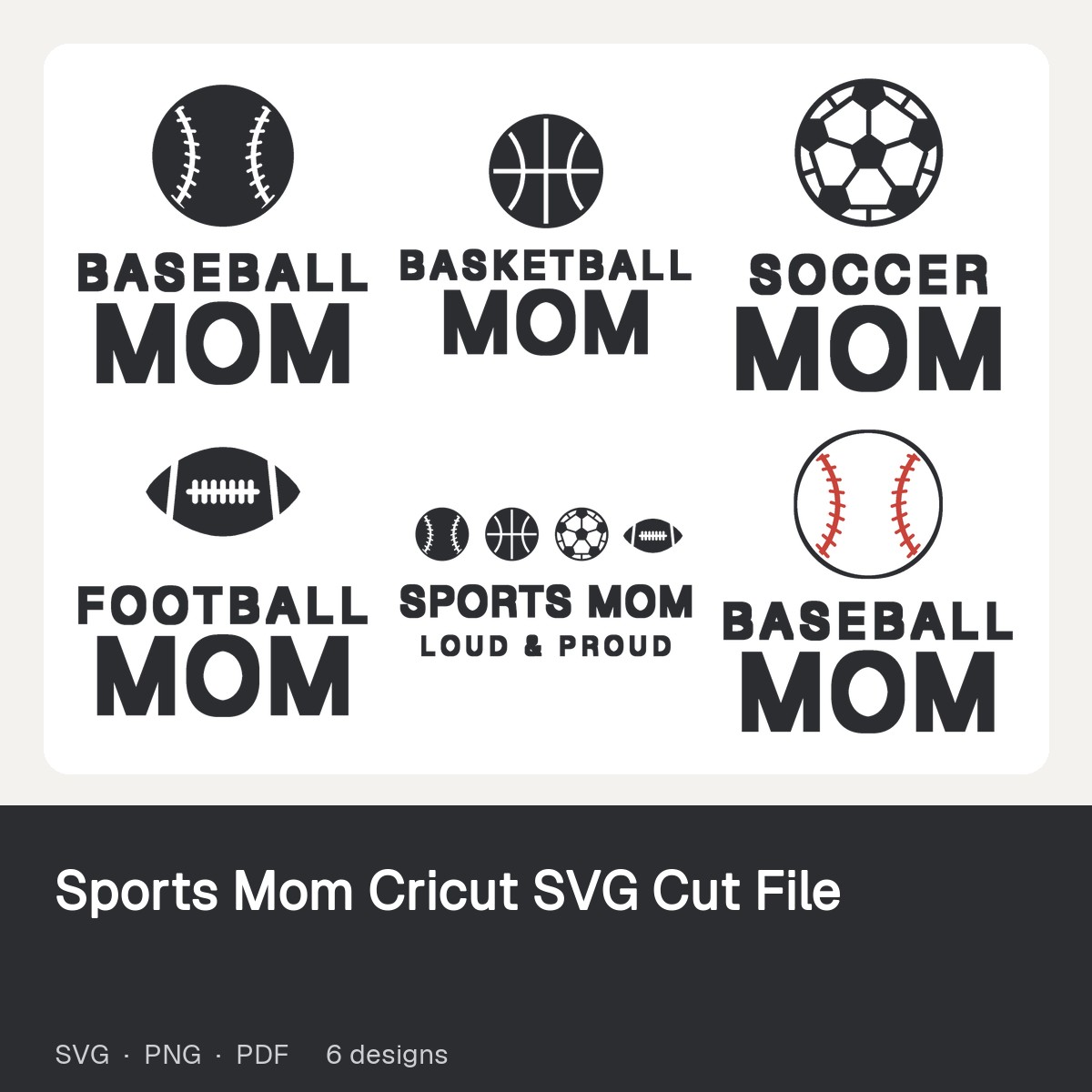
Sports Mom Cricut SVG Cut File
$7
SVG & Pattern Lab
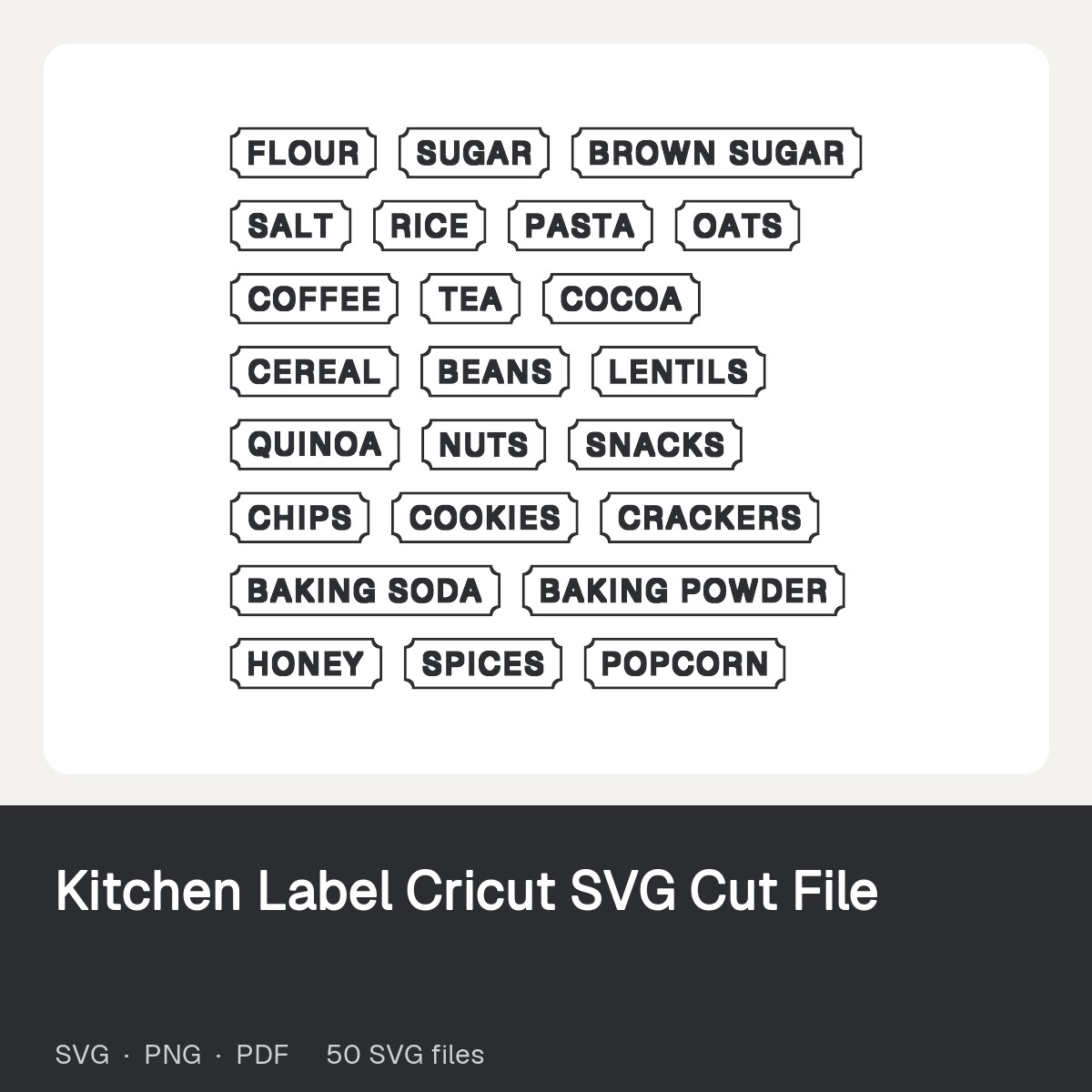
Kitchen Label Cricut SVG Cut File
$7
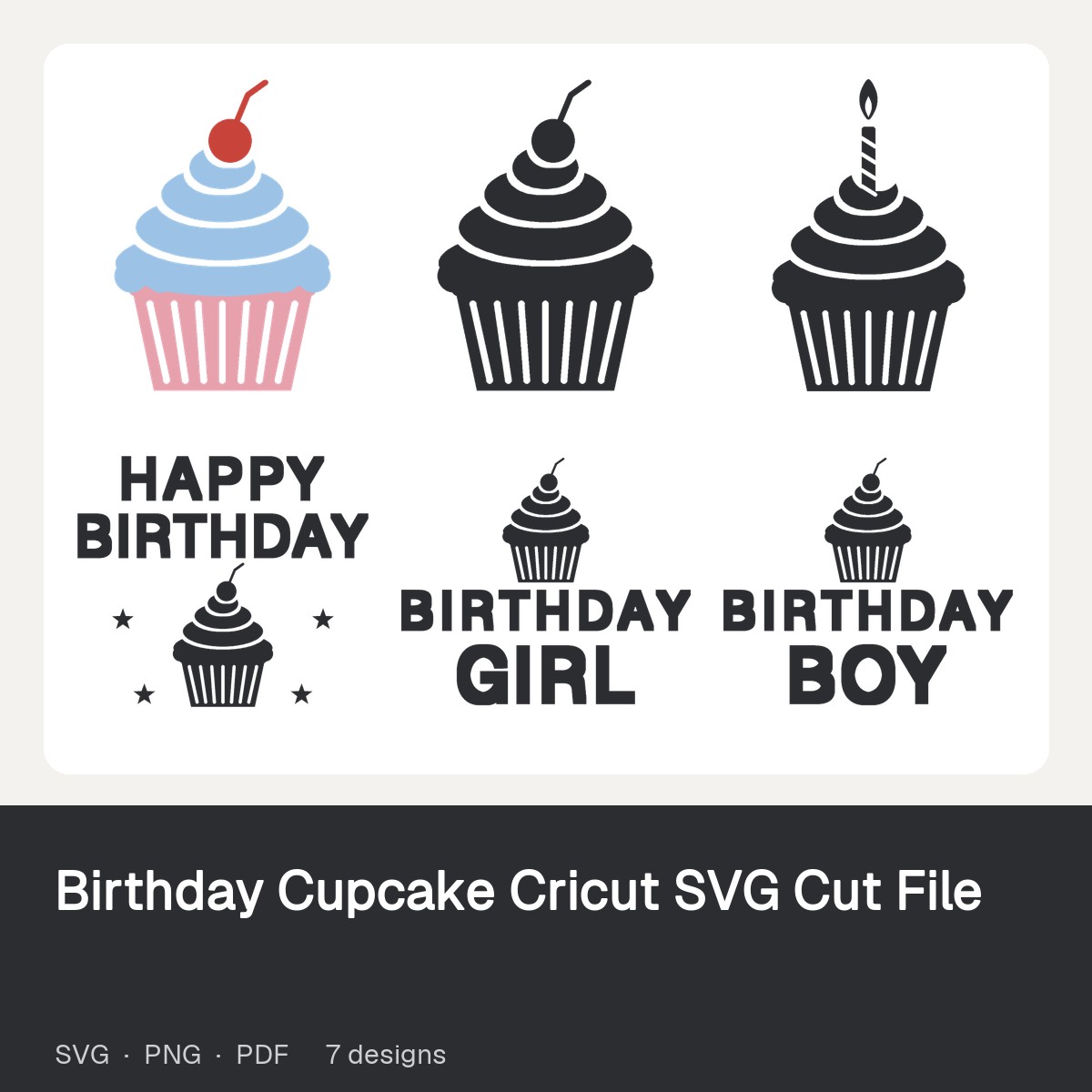
SVG & Pattern Lab
Birthday Cupcake Cricut SVG Cut File
$7
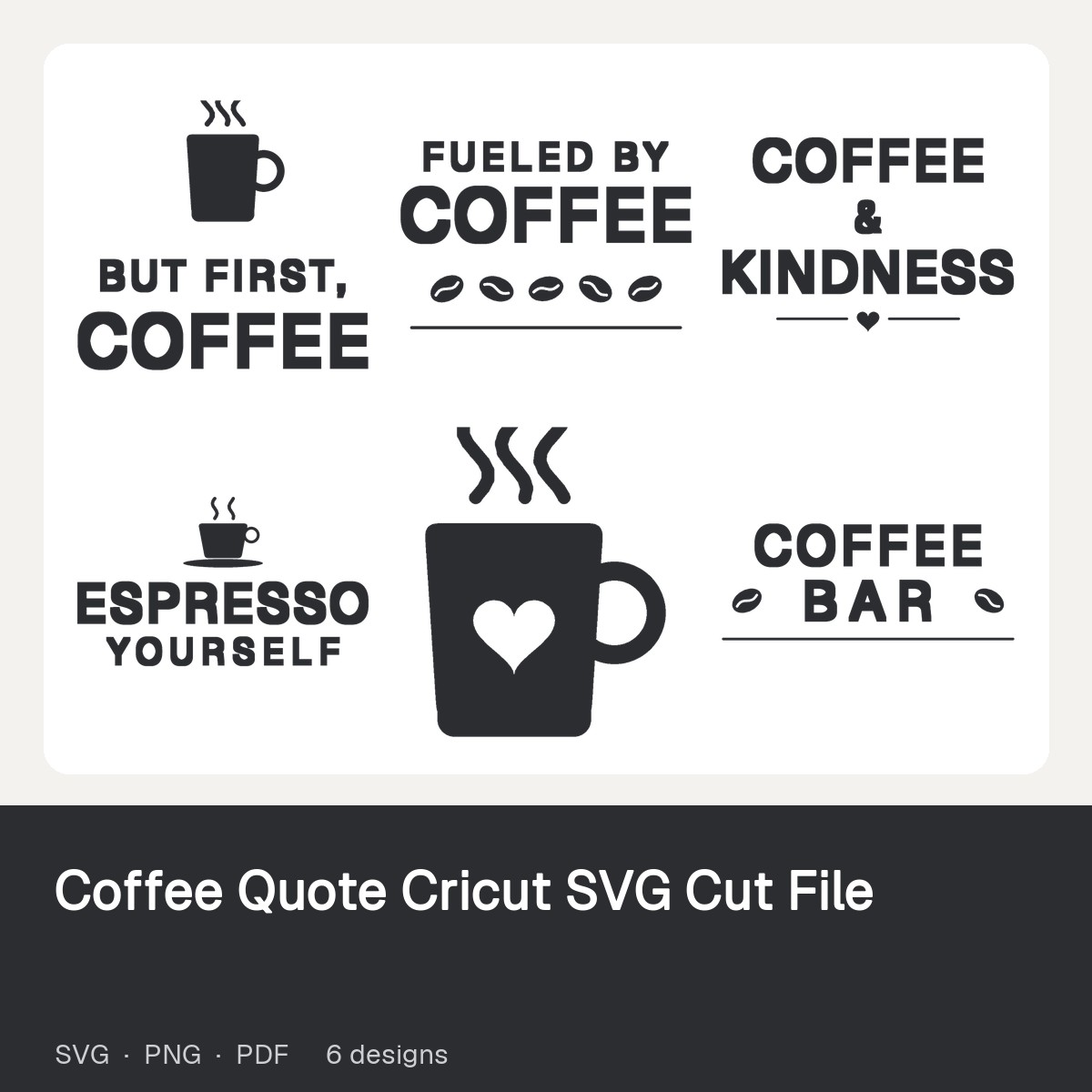
SVG & Pattern Lab
Coffee Quote Cricut SVG Cut File
$7
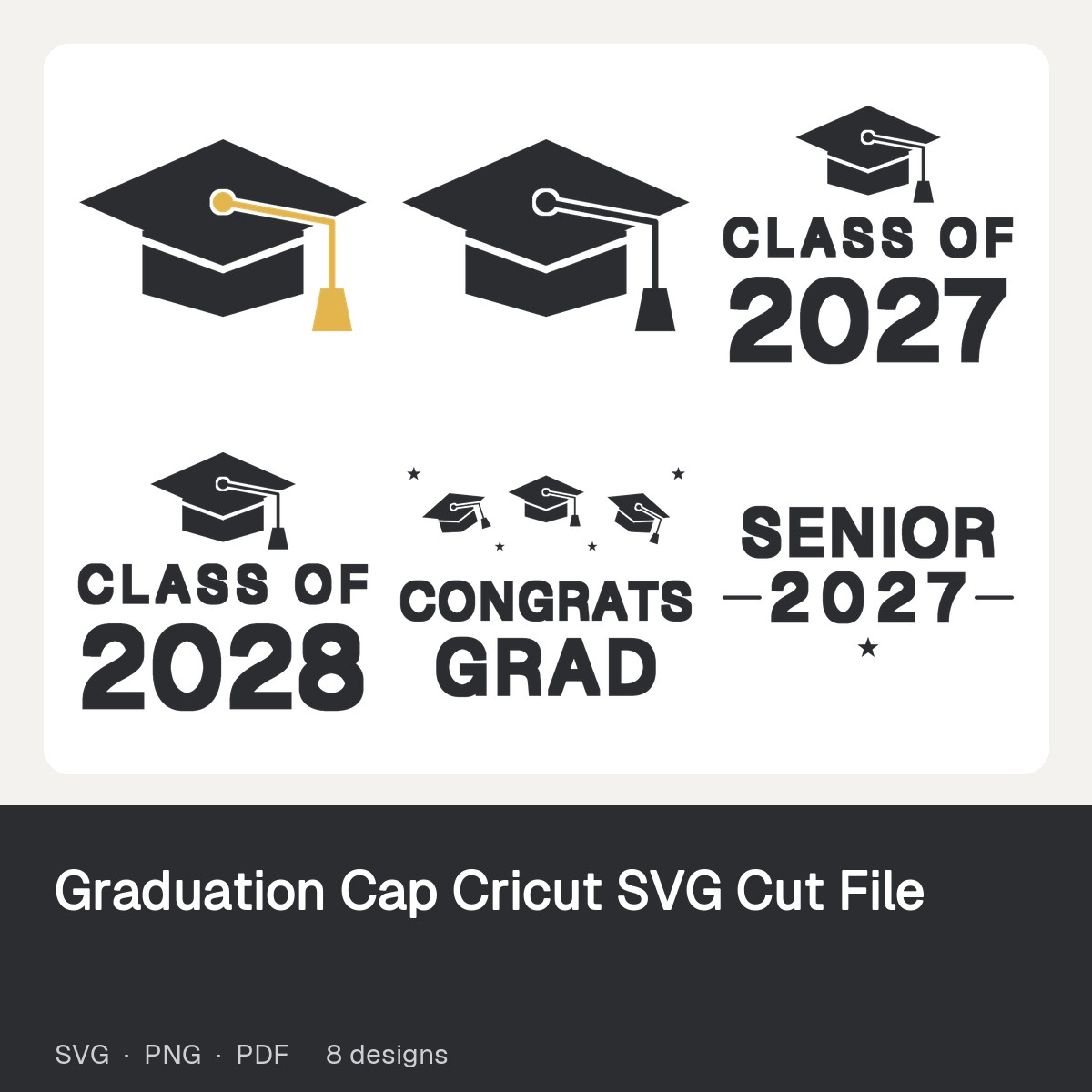
SVG & Pattern Lab
Graduation Cap Cricut SVG Cut File
$7
About cricut files
Cut files are vector designs that cutting machines follow to cut vinyl, heat-transfer vinyl, cardstock, fabric and other materials. SVG is the format most design apps for home cutting machines import; DXF and PNG versions are often included for other software and print-then-cut projects.
Popular designs include quotes and lettering for shirts and mugs, monogram frames, layered mandala and shadow-box designs, cake toppers, gift box and card templates, holiday décor and craft fair signage. Many sellers prepare designs with welded text and grouped layers so they cut cleanly.
Check the formats included, whether layers are separated by color, the minimum cut size for intricate detail, and the license. Commercial use licenses for cut files often set limits on how many finished products you can sell.
Choosing cut files
- Confirm SVG, DXF or PNG formats work with your cutting machine's software.
- Check that text is welded and layers are grouped by color.
- Look at how small intricate parts become at your planned size.
- Check if print-then-cut versions are included.
- Read the license for selling shirts, decals or other finished items.
Questions about cricut files
How do I upload an SVG to my cutting machine?
Unzip the download, then upload the SVG file in your machine's design software. Some apps need you to ungroup or attach layers afterward.
Why does my design cut as separate letters?
Text may need to be welded or attached in your software. Many sellers weld text in advance and say so in the listing.
Can I sell shirts made with these files?
Only under a license that allows commercial use. Check limits on quantities or product types.